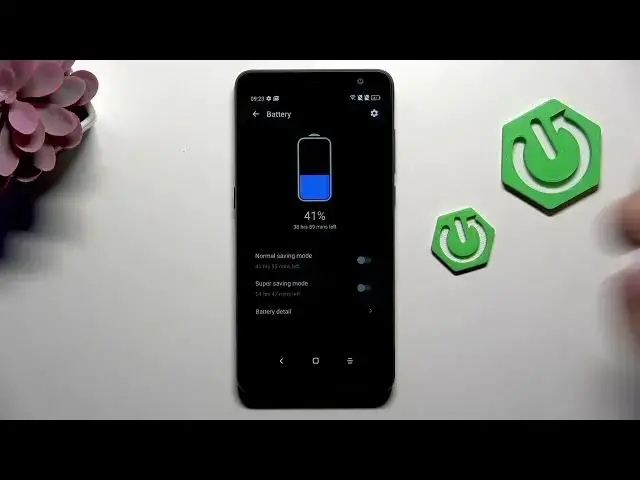

How to Fix Battery Drain on ALCATEL 1B (2020)
Jul 2, 2026

In this video I show simple, effective steps to reduce battery drain on the ALCATEL 1B (2020). You'll learn how to use Smart Manager and the built-in Battery settings to enable Normal or Super saving modes, turn on the battery saver and intelligent app detection, optimize all apps, and change display options like Dark Mode, lower brightness and shorten screen sleep. I also show quick tips to disable unused features (Wi‑Fi, Bluetooth) to stop background drain. These easy changes can extend daily runtime without installing extra apps or rooting your phone.
How to fix battery drain on ALCATEL 1B (2020)?
How to enable battery saver on ALCATEL 1B (2020)?
Where is Smart Manager and battery optimization on ALCATEL 1B (2020)?
0:00 Intro – What we will fix
0:06 Open Settings → Smart Manager → Battery settings
0:29 Enable Normal Saving Mode (or Super Saving) and check battery details
0:59 Turn on Battery Saver and Intelligent Application Detection
1:29 Display settings – enable Dark Mode, lower brightness, set sleep to 1 minute
1:38 Disable unused features (Wi‑Fi, Bluetooth) to save power
1:42 Wrap up and final tips
#Alcatel1B #BatterySaving #AndroidTips #BatteryOptimization
Find out more:
https://www.hardreset.info/devices/alcatel/alcatel-1b-2020/
Follow us on Instagram ► https://www.instagram.com/hardreset.info
Show More Show Less #Science