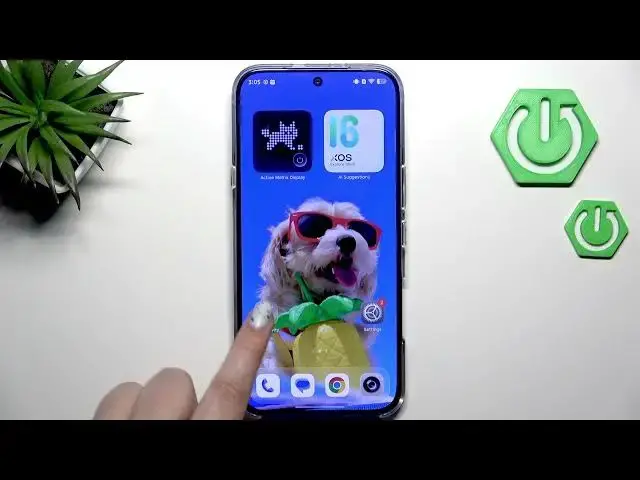

How to Update Apps on INFINIX Note 60 Pro
Jun 30, 2026

In this video I show how to update apps on the INFINIX Note 60 Pro step by step. You will learn how to check your internet connection (Wi‑Fi recommended), sign in to your Google account, open the Play Store, go to your account circle, open Manage apps & device, find Updates available, and choose Update all or update single apps. These simple steps keep your apps secure, up to date, and help you avoid using mobile data when possible.
How to update apps on INFINIX Note 60 Pro?
How to update individual apps on INFINIX Note 60 Pro?
How to update all apps at once on INFINIX Note 60 Pro without using mobile data?
0:00 Intro – What we will do
0:06 Check internet connection and use Wi‑Fi
0:21 Make sure you are signed into your Google account
0:50 Open Google Play Store
0:59 Tap your account circle → Manage apps & device
1:09 Open Updates available – see pending updates
1:19 Choose Update all or update single apps
1:23 Wrap up and subscribe
#InfinixNote60Pro #UpdateApps #PlayStore #AndroidTips
Find out more:
https://www.hardreset.info/devices/infinix/infinix-note-60-pro/update-apps/
Show More Show Less #Science