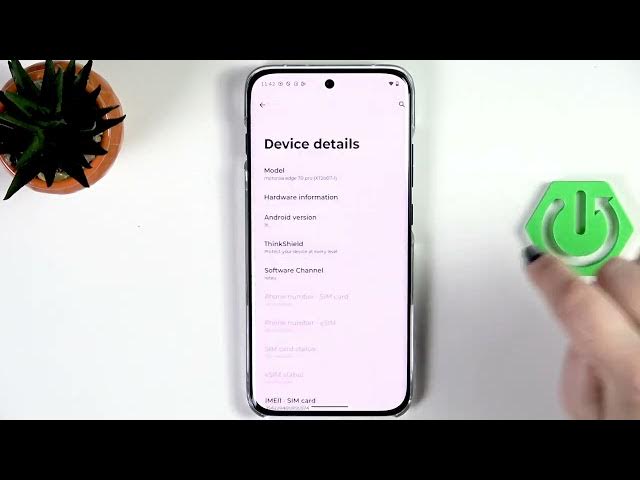

MOTOROLA Edge 70 Pro - How to Enable Developer Options
Jun 10, 2026

In this short video you will learn how to enable Developer Options on the MOTOROLA Edge 70 Pro. I show exactly where to find About phone, Device identifiers and the Build number, how to tap the build number repeatedly to unlock developer mode, how to confirm with your PIN or pattern, and where to open Developer Options under Settings → System. You’ll also see how to toggle individual options, turn Developer Options off, and re-enable them when needed. This is perfect for enabling USB debugging, changing animations, or using advanced Android settings on your Edge 70 Pro.
How to enable Developer Options on MOTOROLA Edge 70 Pro?
How to find Developer Options in MOTOROLA Edge 70 Pro settings?
How to disable Developer Options on MOTOROLA Edge 70 Pro?
0:00 Intro — what we’ll do in this video
0:08 Open Settings and go to About phone
0:24 Tap Device identifiers and find Build number
0:32 Tap Build number repeatedly to unlock developer mode
0:49 Enter PIN/pattern to confirm (if prompted)
0:58 Go back to Settings → System → Developer options
1:13 How to toggle switches and change settings
1:33 How to turn off Developer Options and re-enable them
1:40 Outro and final tips
#MOTOROLA #Edge70Pro #DeveloperOptions #AndroidTips
Find out more:
https://www.hardreset.info/devices/motorola/motorola-edge-70-pro/developer-options/
Show More Show Less #Science