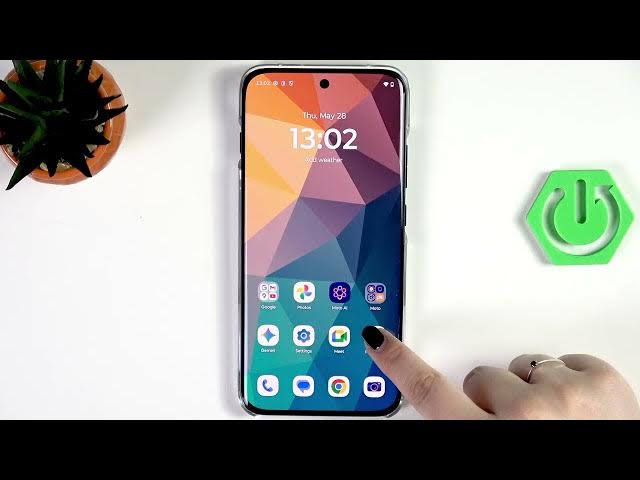

MOTOROLA Edge 70 Pro – Turn Off Ads & Ad Personalization
Jun 10, 2026

In this video I show how to turn off ads and ad personalization on the MOTOROLA Edge 70 Pro. You will learn simple, safe steps: set a private DNS (dns.adguard.com) to block many ads system-wide, reset and delete your Google advertising ID to stop targeted ads, limit or turn off ad-related notifications per app, and search the Play Store for reliable ad blocker apps. No root required and all steps work with stock Android settings on the Edge 70 Pro.
How to turn off ads on MOTOROLA Edge 70 Pro?
How to reset the advertising ID on MOTOROLA Edge 70 Pro?
How to block ads with private DNS (dns.adguard.com) on MOTOROLA Edge 70 Pro?
0:00 Intro — what we’ll do
0:07 Open Settings and go to Network & Internet
0:25 Set Private DNS → enter dns.adguard.com and save
0:36 What Private DNS does and how it limits ads
0:47 Open Google settings → All services → Ads
1:00 What Advertising ID is and how personalization works
1:54 Reset and delete Advertising ID
2:03 Limit or turn off app notifications that show ads
3:44 Turn off all notifications for non‑critical apps (optional)
3:53 Check Play Store for ad blocker apps as a last step
4:29 Wrap up and subscribe
#Motorola #Edge70Pro #BlockAds #AdPersonalization
Show More Show Less #Science