
LENOVO T1 S Pro - How to Set No-Go Zones & Virtual Walls
Jun 30, 2026

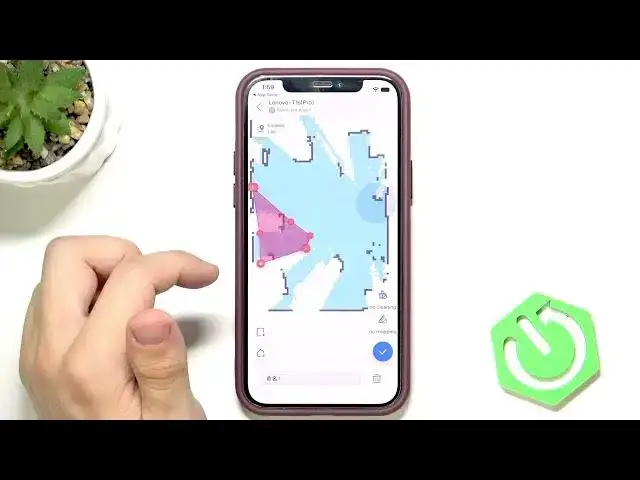
Learn how to set no-go zones and virtual walls on the LENOVO T1 S Pro robot vacuum. This video walks you step by step through the app: open Map Editing, choose Restricted Area, pick No Cleaning or No Mopping, draw a rectangle or multi-point shape, move the dots to resize, then save. You’ll also see how to create a shape that acts like a virtual wall so the robot cannot pass into certain areas. These settings help protect carpets, pet bowls, cables, or rooms you want to keep off limits.
How to set no-go zones on LENOVO T1 S Pro?
How to create virtual walls on LENOVO T1 S Pro?
How to make a no-mop area with LENOVO T1 S Pro?
0:00 Intro
0:06 Open Map Editing
0:20 Select Restricted Area setting
0:36 Choose No Cleaning or No Mopping
0:59 Draw rectangle or multi-point shape
1:35 Create a virtual-wall workaround by blocking path
2:06 Save changes and finish
#LENOVO #T1SPro #RobotVacuum #NoGoZones
Find out more:
https://www.hardreset.info/devices/lenovo/lenovo-t1-s-pro/
Follow us on Instagram ► https://www.instagram.com/hardreset.info
Show More Show Less #Science