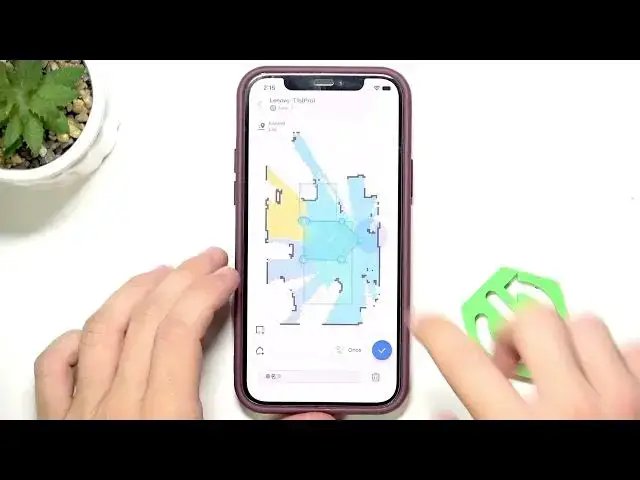

LENOVO T1 S Pro – How to Send Robot to Clean a Specific Spot
Jun 30, 2026

Learn how to send your LENOVO T1 S Pro robot vacuum to clean a specific spot step-by-step. This video shows two simple methods: place the robot manually and press the spot clean button on the device, or use the LENOVO app to draw an area (square, rectangle or custom shape), choose single or double pass, then start cleaning. Tips include estimated area size (about 1x1 to 2x2 meters), how to add/remove points, reshape the zone, and select repeat cleaning so you can target spills or high-traffic spots precisely.
Find out more:
https://www.hardreset.info/devices/lenovo/lenovo-t1-s-pro/
Follow us on Instagram ► https://www.instagram.com/hardreset.info
Like us on Facebook ► https://www.facebook.com/hardresetinfo/
Tweet us on Twitter ► https://twitter.com/HardResetI
Support us on TikTok ► https://www.tiktok.com/@hardreset.info
Use Reset Guides for many popular Apps ► https://www.hardreset.info/apps/apps/
Show More Show Less #Science