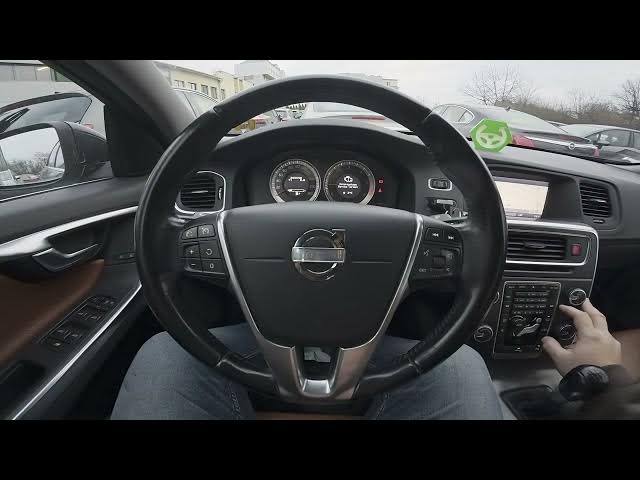

How to Check Number of Assigned Keys on Volvo S60 II (2010–2019)
Jan 6, 2026

In this short video we show how to check the number of assigned keys on the Volvo S60 II (2010–2019). Using the centre display you can quickly view how many remote keys (key fobs) are paired to your car. This is useful when you buy a used S60, lose a key, or want to confirm how many keys are active. The steps are simple and use the car menu: open the display, go to My Car → Settings → Information → Number of Keys. We'll show each step on the screen so you can follow along easily.
How to check number of assigned keys on Volvo S60 II (2010-2019)?
How to find Number of Keys in Volvo S60 II settings?
How to see how many key fobs are paired to my Volvo S60 II (2010-2019)?
0:00 Intro - What we will show
0:05 Check the centre screen display
0:10 Open "My Car" then "Settings"
0:15 Enter "Information"
0:18 Select "Number of Keys" to see the count
0:22 Result shown and quick recap
0:25 Outro - Like and subscribe
#VolvoS60 #Volvo #CarTips #KeyFob
Find out more:
https://www.hardreset.info/devices/volvo/volvo-s60-ii-2010-2019/how-to-check-number-of-assigned-keys/
Follow us on Instagram ► https://www.instagram.com/hardreset.info
Show More Show Less