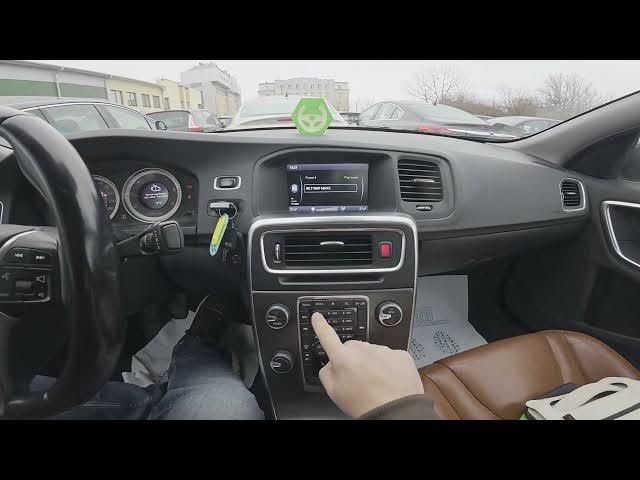

Volvo S60 II (2010-2019) – Assign Radio Station to Preset
Jan 6, 2026

Learn how to quickly assign a radio station to a preset on your Volvo S60 II (2010-2019). In this short, clear video you will see step-by-step how to tune a station (manually or from the radio station list) and save it by pressing and holding any preset button from 1 to 0. This method works for FM and AM and lets you jump to favorite stations with one tap. I also show how to overwrite an existing preset and give a couple of quick tips so you don’t lose your saved stations.
How to assign radio station to preset on Volvo S60 II (2010-2019)?
How to save a radio station on Volvo S60 radio presets?
Where are the preset buttons on Volvo S60 II and how do I overwrite a preset?
0:00 Introduction – what we will do
0:08 Open the radio and tune a station (manual tune or choose from Station List)
0:26 Assign the tuned station to a preset – press and hold buttons 1–0
0:32 Quick tips and final call to action
#VolvoS60 #CarRadio #RadioPreset #VolvoS60II
Find out more:
https://www.hardreset.info/devices/volvo/volvo-s60-ii-2010-2019/assign-radio-station-to-preset/
Follow us on Instagram ► https://www.instagram.com/hardreset.info
Like us on Facebook ► https://www.facebook.com/hardresetinfo/
Tweet us on Twitter ► https://twitter.com/HardResetI
Support us on TikTok ► https://www.tiktok.com/@hardreset.info
Show More Show Less