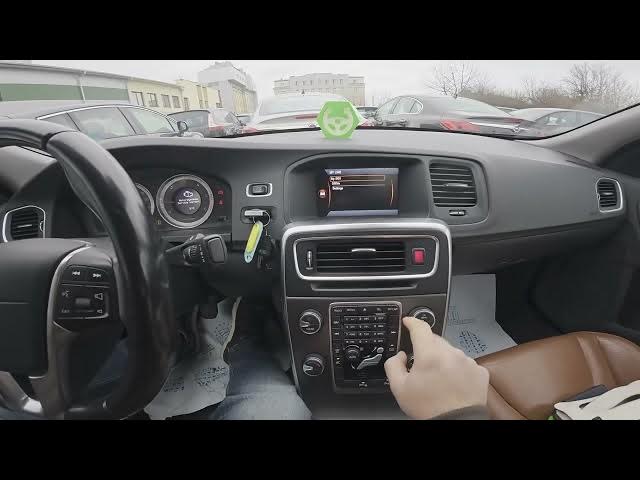

Volvo S60 II (2010-2019) - How to Change Remote Door Unlock Mode
Jan 6, 2026

Learn how to change the remote door unlock mode on the Volvo S60 II (2010-2019). This short, clear video shows exactly where to find the setting in the car menu and how to switch between unlocking All Doors or Driver Door only. You will see the exact menu path to follow: open the My Car screen, go to Settings, select Car Settings, then Lock Settings, choose Doors Unlock and pick the option that suits you. This helps improve convenience and security when using your remote key fob on Volvo S60 II models from 2010 to 2019.
How to change remote door unlock mode on Volvo S60 II (2010-2019)?
How to set Doors Unlock to All Doors or Driver Door only on Volvo S60 II (2010-2019)?
Where is Lock Settings in the My Car menu on Volvo S60 II (2010-2019)?
0:00 Introduction - inside the Volvo S60
0:06 Open the My Car screen and go to Settings
0:18 Enter Car Settings then Lock Settings
0:27 Select Doors Unlock and choose All Doors or Driver Door only
0:31 End - quick recap and subscribe
#VolvoS60 #CarSettings #RemoteUnlock #HowTo
Find out more:
https://www.hardreset.info/devices/volvo/volvo-s60-ii-2010-2019/change-remote-door-unlock-mode/
Follow us on Instagram ► https://www.instagram.com/hardreset.info
Like us on Facebook ► https://www.facebook.com/hardresetinfo/
Tweet us on Twitter ► https://twitter.com/HardResetI
Show More Show Less