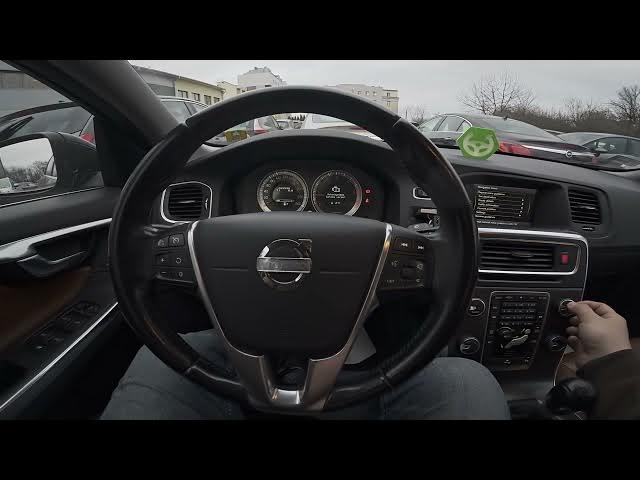

Volvo S60 II (2010-2019) - How to Delete Navigation History
Jan 6, 2026

In this short video you will learn how to delete the navigation history on a Volvo S60 II (2010-2019). If you want to remove saved addresses, previous destinations or clear old entries from the built-in navigation system, follow these simple steps on the center display. This walkthrough shows where to find Navigation → Menu, how to open Set Destination and Previous Destinations, and how to choose Delete All or Delete Single Entry to protect your privacy or tidy up the map history on your Volvo S60 II.
How to delete navigation history on Volvo S60 II (2010-2019)?
How to clear previous destinations in Volvo S60 II navigation?
How to delete a single saved destination on Volvo S60 II (2010-2019)?
0:00 Introduction
0:08 Open Navigation and go to Menu
0:24 Select Set Destination → Previous Destinations
0:37 Choose Delete All or Delete Single Entry
0:43 End and subscribe for more car tips
#VolvoS60 #VolvoS60II #Navigation #CarTips
Find out more:
https://www.hardreset.info/devices/volvo/volvo-s60-ii-2010-2019/how-to-delete-navigation-history/
Follow us on Instagram ► https://www.instagram.com/hardreset.info
Like us on Facebook ► https://www.facebook.com/hardresetinfo/
Tweet us on Twitter ► https://twitter.com/HardResetI
Show More Show Less