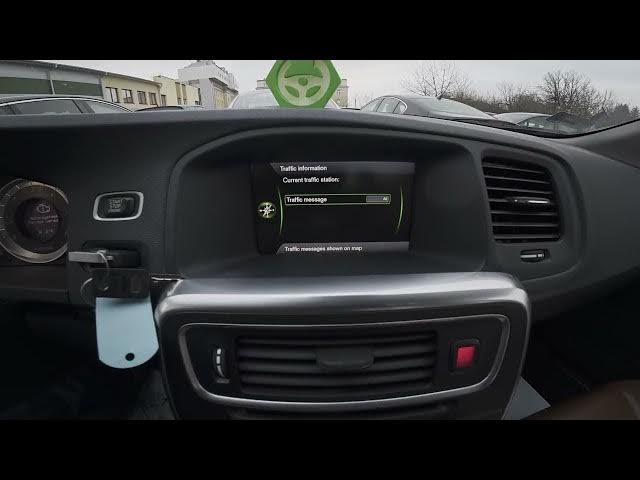

Volvo S60 II (2010-2019) – How to Find & Manage Navigation Settings
Jan 6, 2026

In this short video I show how to enter and manage the navigation settings on a Volvo S60 II (2010–2019). You will see the screen layout, how to open the Navigation menu, and where to find traffic info, route options, map options, guidance options and system information. I also show how to edit or import POIs and how to reset navigation settings to factory defaults. These steps work on Volvo S60 II models from 2010 to 2019 and help you customize routing, update points of interest, and troubleshoot common navigation issues.
How to find navigation settings on Volvo S60 II (2010-2019)?
How to manage route, map and guidance options on Volvo S60 II navigation?
How to import POIs or reset navigation settings on Volvo S60 II?
0:00 Intro
0:07 Screen display and enter Navigation
0:10 Open Navigation menu and go to Settings
0:25 Navigation settings overview: Traffic, Route, Map, Guidance
0:45 Edit or import POIs / Reset navigation to defaults
0:53 Outro — like, comment, subscribe
#VolvoS60 #VolvoS60II #CarNavigation #NavigationSettings
Find out more:
https://www.hardreset.info/devices/volvo/volvo-s60-ii-2010-2019/how-to-find-and-manage-navigation-settings/
Follow us on Instagram ► https://www.instagram.com/hardreset.info
Like us on Facebook ► https://www.facebook.com/hardresetinfo/
Show More Show Less