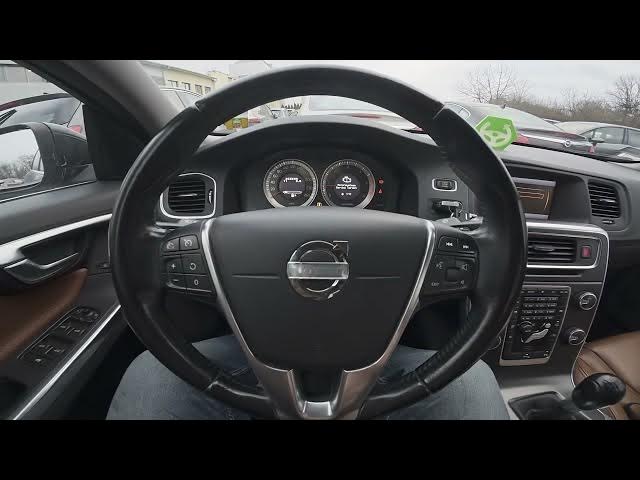

Volvo S60 II (2010-2019) – How to Enable Automatic Rear Defroster
Jan 6, 2026

In this short video I show how to enable the automatic rear defroster on a Volvo S60 II (2010-2019). You will learn the exact steps on the center display: open My Car, go to Settings, select Climate settings and then turn Automatic rear defroster on or off. I demonstrate where to find the option and how to toggle it using the OK button so you can quickly clear the rear window and improve visibility in cold or wet conditions.
How to enable automatic rear defroster on Volvo S60 II (2010-2019)?
How to disable automatic rear defroster on Volvo S60 II (2010-2019)?
Where is Automatic rear defroster in Volvo S60 II (2010-2019) menu?
0:00 Introduction
0:07 Check center display
0:10 Go to My Car → Settings
0:15 Open Climate settings
0:20 Toggle Automatic rear defroster on/off (press OK)
0:25 Wrap up & subscribe
#VolvoS60 #RearDefroster #CarTips #ClimateControl
Find out more:
https://www.hardreset.info/devices/volvo/volvo-s60-ii-2010-2019/automatic-rear-defroster/
Follow us on Instagram ► https://www.instagram.com/hardreset.info
Like us on Facebook ► https://www.facebook.com/hardresetinfo/
Show More Show Less