
Volvo S60 II (2010-2019) – How to Adjust Voice Output Volume
Jan 6, 2026

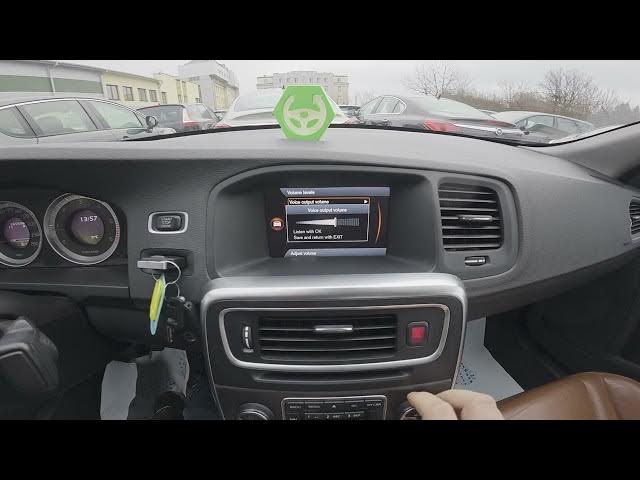
In this short video I show how to adjust the voice output volume on a Volvo S60 II (2010 - 2019). You will see where to find the setting on the center display, how to open Settings → System → Volume levels, how to move the Voice output volume slider, and how to save and exit. This quick guide helps you set navigation and spoken prompts louder or quieter so voice guidance works well with your music and driving environment.
How to adjust voice output volume on Volvo S60 II (2010 - 2019)?
How to find Volume Levels in Volvo S60 II settings?
How to save and exit after changing voice output on Volvo S60 II?
0:00 Introduction – what we will change
0:06 Open the screen display and go to Settings
0:21 Enter System options and select Volume levels
0:26 Enter Voice output volume and adjust the slider
0:30 Save changes and return using the Exit button
0:39 Outro – like, comment and subscribe
#VolvoS60 #VolvoS60II #CarAudioSettings #VoiceOutput
Find out more:
https://www.hardreset.info/devices/volvo/volvo-s60-ii-2010-2019/
Follow us on Instagram ► https://www.instagram.com/hardreset.info
Like us on Facebook ► https://www.facebook.com/hardresetinfo/
Show More Show Less