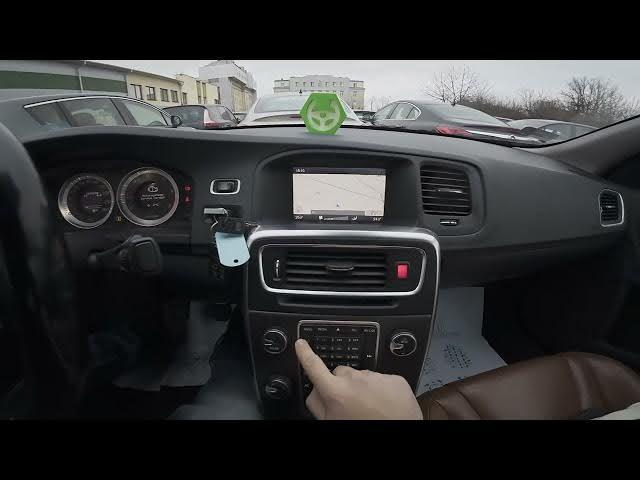

Volvo S60 II (2010–2019) – How to Set Route Options
Jan 6, 2026

In this short clear video you’ll learn how to set and customize navigation route options on the Volvo S60 II (2010–2019). I show how to open the Navigation menu, enter Settings → Route Options, choose the route type (Fast, Short, Easy), review Route Proposals, customize routes, and enable or reset Route Learning. This walkthrough is perfect for Volvo S60 owners who want predictable routing, better trip planning, and to fine-tune how the car’s GPS selects routes.
How to set route options on Volvo S60 II (2010 - 2019)?
How to change route type (Fast, Short, Easy) on Volvo S60 II (2010 - 2019)?
How to enable or reset Route Learning on Volvo S60 II (2010 - 2019)?
0:00 Intro & screen overview
0:05 Open Navigation → Menu
0:12 Enter Settings → Route Options
0:18 Select route type: Fast / Short / Easy
0:30 Route Proposals & Customize route
0:36 Enable or Reset Route Learning
0:45 Wrap up — like, comment, subscribe
#VolvoS60 #VolvoNavigation #CarNavigation #RouteOptions
Find out more:
https://www.hardreset.info/devices/volvo/volvo-s60-ii-2010-2019/how-to-set-route-options/
Follow us on Instagram ► https://www.instagram.com/hardreset.info
Show More Show Less