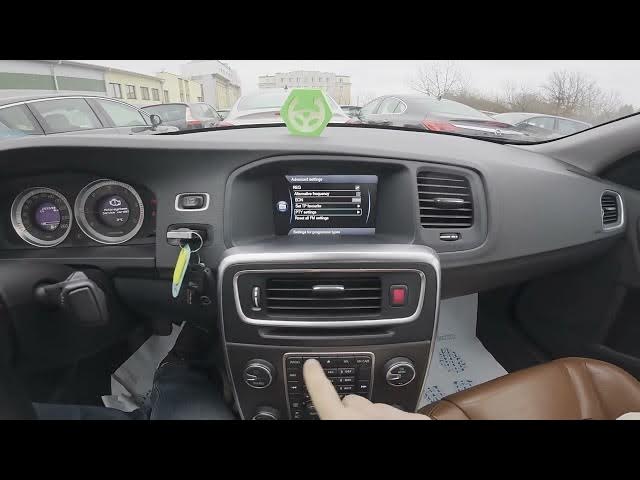

Volvo S60 II (2010-2019) – How to Manage PTY on Radio
Jan 6, 2026

In this video I show how to manage the PTY (Program Type) function on the Volvo S60 II (2010 - 2019) radio. You will learn how to navigate the screen display, open the Radio menu, enter Advanced Settings and find PTY settings. I explain each option: enable Show PTY text, receive PTY interrupts, select Radio PTY and use PTY seek to find stations by program type. These quick steps help you find the radio content you want and customize PTY behavior on your Volvo S60.
How to manage PTY on Volvo S60 II (2010 - 2019)?
How to enable Show PTY text on Volvo S60 II (2010 - 2019)?
How to use PTY seek on Volvo S60 II radio (2010 - 2019)?
0:00 Introduction – What is PTY and why use it?
0:12 Open radio, go to Menu and Advanced Settings
0:28 PTY Settings: Show PTY text, Receive PTY interrupts, Radio PTY, PTY Seek
0:39 Final tips and subscribe request
#VolvoS60 #CarRadio #PTY #Volvo
Find out more:
https://www.hardreset.info/devices/volvo/volvo-s60-ii-2010-2019/how-to-manage-pty/
Follow us on Instagram ► https://www.instagram.com/hardreset.info
Like us on Facebook ► https://www.facebook.com/hardresetinfo/
Tweet us on Twitter ► https://twitter.com/HardResetI
Support us on TikTok ► https://www.tiktok.com/@hardreset.info
Show More Show Less