
Volvo S60 II (2010-2019) How to Enable Automatic Mirror Fold
Jan 6, 2026

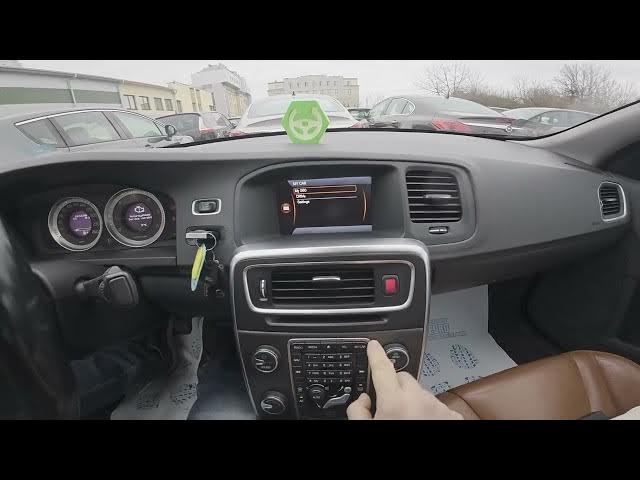
This quick video shows how to enable or disable the Automatic Mirror Fold feature on the Volvo S60 II (2010-2019). You will learn step-by-step how to use the center display to open My Car, enter Settings → Car Settings → Side Mirror Settings, and toggle Fold Mirrors on or off. These simple instructions help Volvo S60 owners set mirrors to fold automatically when locking or for tight parking situations, and also how to turn the feature off if you prefer manual control.
How to enable automatic mirror fold on Volvo S60 II (2010-2019)?
How to disable Automatic Mirror Fold on Volvo S60 II (2010-2019)?
Where is the Fold Mirrors setting in Volvo S60 II (2010-2019)?
0:00 Introduction
0:08 Open the center display and select My Car
0:18 Go to Settings → Car Settings
0:24 Open Side Mirror Settings and find Fold Mirrors
0:30 Press OK to enable or disable Automatic Mirror Fold
0:32 Tips and wrap up
#VolvoS60 #MirrorFold #CarTips #Volvo
Find out more:
https://www.hardreset.info/devices/volvo/volvo-s60-ii-2010-2019/
Follow us on Instagram ► https://www.instagram.com/hardreset.info
Like us on Facebook ► https://www.facebook.com/hardresetinfo/
Show More Show Less