
Volvo S60 II (2010-2019) – How to Set Navigation Destination
Jan 6, 2026

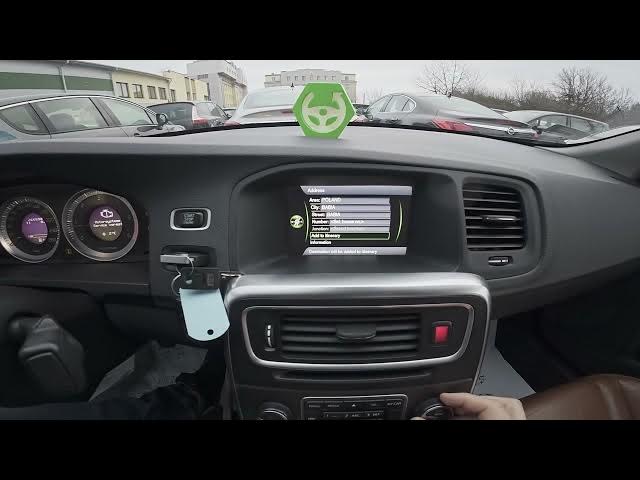
In this video we show how to set a navigation destination on the Volvo S60 II (2010-2019). You will learn how to open the navigation menu, choose Set Destination, and pick from address, points of interest, stored locations, previous destinations or a return trip. The clip walks you step-by-step through selecting area and city, entering street and house number, adding the stop to your itinerary, and starting route guidance. We also show how to pause or stop guidance once you arrive. This guide is made for Volvo S60 II owners who want a quick and clear walkthrough of the built-in navigation system.
How to set navigation destination on Volvo S60 II (2010-2019)?
How to enter an address in Volvo S60 II navigation?
How to pause or stop route guidance on Volvo S60 II (2010-2019)?
0:00 Intro and navigation overview
0:06 Open Navigation and go to Menu
0:17 Select Set Destination and options
0:26 Choose Address – select Area and City
0:56 Select Street
1:01 Enter House Number and confirm
1:12 Add to itinerary
1:17 Start guidance and how to pause/stop
#VolvoS60 #VolvoNavigation #CarGPS #NavigationTips
Find out more:
https://www.hardreset.info/devices/volvo/volvo-s60-ii-2010-2019/how-to-set-navigation-destination/
Show More Show Less #Science
#Volvo