
Volvo S60 II (2010-2019) – How to Enable or Disable Speed Limiter
Jan 6, 2026

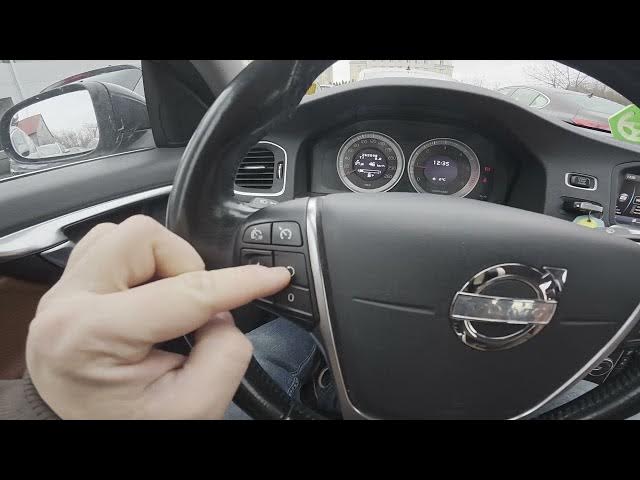
In this video I’m in a Volvo S60 II (2010-2019) and I show how to enable, set, adjust and disable the speed limiter using the steering wheel controls. You will learn where the LIMIT and SET buttons are, how to increase or decrease the speed limit, how to pause and reset the limiter, and where the speed limiter icon appears in the instrument cluster. These clear, simple steps help you manage speed limiting for safer and legal driving while using your Volvo S60 II.
How to enable speed limiter on Volvo S60 II (2010-2019)?
How to set and adjust speed limiter on Volvo S60 II (2010-2019)?
How to disable speed limiter on Volvo S60 II (2010-2019)?
0:00 Intro — What we will show
0:08 Steering wheel controls — find the panel on the left
0:17 Enable speed limiter — press LIMIT then press SET
0:24 Adjust the limit — use + to increase and - to decrease
0:30 Pause and reset — press 0 to pause and the reset button to return
0:36 Disable limiter — press LIMIT to turn it off and check the instrument cluster indicator
0:47 Outro — tips and next steps
#VolvoS60 #SpeedLimiter #CarTips #DrivingSafety
Find out more:
https://www.hardreset.info/devices/volvo/volvo-s60-ii-2010-2019/how-to-enable-or-disable-speed-limiter/
Follow us on Instagram ► https://www.instagram.com/hardreset.info
Show More Show Less #Autos & Vehicles
#Science
#Sedans