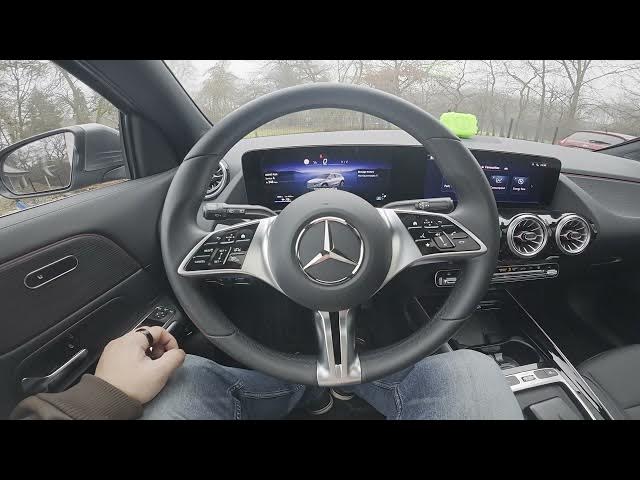

MERCEDES-BENZ EQA – How to Check Car Alerts
Jan 2, 2026

Learn how to quickly check car alerts and warning messages on your MERCEDES-BENZ EQA using the instrument cluster and built-in message memory. In this short clear video we show the exact steps: open the instrument cluster, go to Home → Service, enter Message Memory & Key, and view Car Alerts. This helps you spot maintenance needs, safety warnings and stored messages so you can act before small issues become bigger problems. The steps are simple and useful for new owners and anyone who wants to monitor vehicle alerts on a Mercedes EQA.
How to check car alerts on MERCEDES-BENZ EQA?
How to view Message Memory on MERCEDES-BENZ EQA?
Where is Car Alerts in the MERCEDES-BENZ EQA instrument cluster?
0:00 Introduction - what we will show
0:07 Open the instrument cluster and go to Home
0:12 Select Service in the cluster menu
0:24 Enter Message Memory & Key
0:28 Select Car Alerts to view stored warnings
0:32 Outro - like, comment and subscribe
#MercedesBenz #EQA #CarAlerts #HowTo
Find out more:
https://www.hardreset.info/devices/mercedes-benz/mercedes-benz-eqa/how-to-check-car-alerts/
Follow us on Instagram ► https://www.instagram.com/hardreset.info
Like us on Facebook ► https://www.facebook.com/hardresetinfo/
Show More Show Less