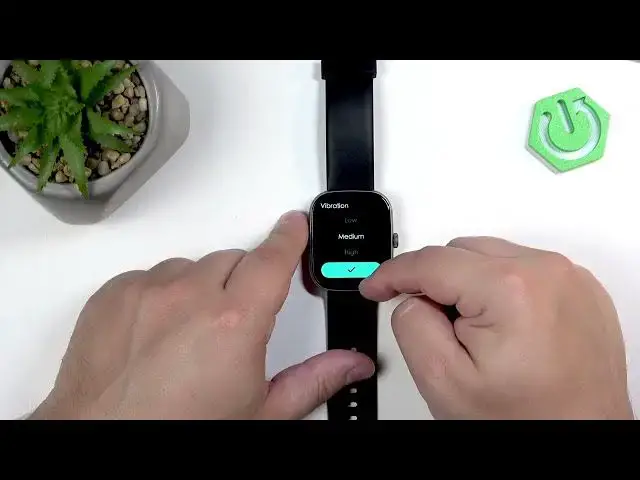

How to Change Vibration Intensity on IMIKI Frame 2 Lite
Jul 2, 2026

In this short video you’ll learn how to change the vibration intensity on the IMIKI Frame 2 Lite smartwatch. We show every step on the watch screen: wake the display with the crown, open the menu, go to Settings → Sound & Vibration → Vibration, then pick Low, Medium or High and confirm with the checkmark. You’ll also hear and feel the preview so you can test which level suits you best. This walkthrough is perfect if you want stronger alerts or a gentler vibration for notifications on your IMIKI Frame 2 Lite.
How to change vibration intensity on IMIKI Frame 2 Lite?
How to set vibration level on IMIKI Frame 2 Lite?
Where is the vibration setting on IMIKI Frame 2 Lite?
0:00 Intro
0:12 Wake the screen and open menu (press crown)
0:28 Open Settings → Sound & Vibration
0:57 Select Vibration and choose Low / Medium / High
1:04 Confirm selection and preview vibration
#IMIKI #Frame2Lite #VibrationIntensity #Smartwatch
Find out more:
https://www.hardreset.info/devices/imiki/imiki-frame-2-lite/change-vibration-intensity/
Follow us on Instagram ► https://www.instagram.com/hardreset.info
Like us on Facebook ► https://www.facebook.com/hardresetinfo/
Tweet us on Twitter ► https://twitter.com/HardResetI
Show More Show Less #Science