
LENOVO Yoga Slim 7 – How to Use On-Screen Zoom
Jun 15, 2026

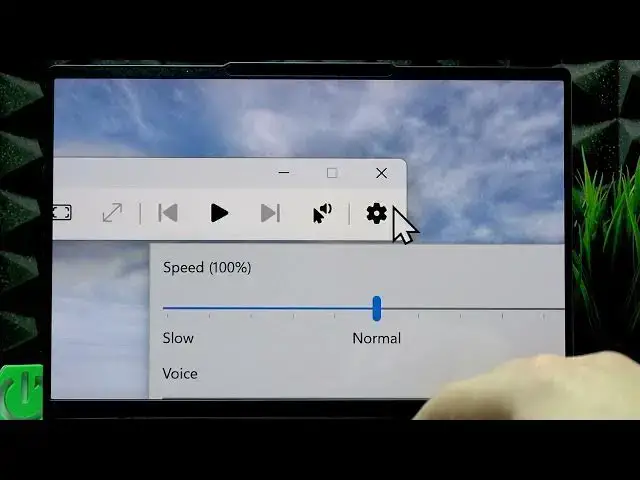
This video shows how to use on-screen zoom (Windows Magnifier) on your LENOVO Yoga Slim 7. You'll learn the fastest way to open the magnifier with the Windows + = shortcut, how to change zoom level and zoom increment, switch between Full screen, Docked and Lens views, use the read-aloud display button, and access quick magnifier settings like voice and speed. These tips make reading and navigating easier and improve accessibility on your Yoga Slim 7.
How to enable on-screen zoom on LENOVO Yoga Slim 7?
How to change magnifier view on LENOVO Yoga Slim 7?
How to use Windows Magnifier read aloud on LENOVO Yoga Slim 7?
0:00 Introduction
0:06 Open Magnifier with Windows + =
0:20 Magnifier toolbar – zoom in/out and reset
0:43 Read text with the display button and pick start spot
1:03 Quick settings – change voice and speed
1:21 Open Settings → Accessibility → Magnifier
1:31 Enable magnifier and change zoom level/increment
1:40 Switch view: Full screen, Docked, Lens
2:25 Lens and Docked view details
2:43 Closing and subscribe
#LENOVO #YogaSlim7 #Magnifier #OnScreenZoom
Find out more:
Show More Show Less #Science