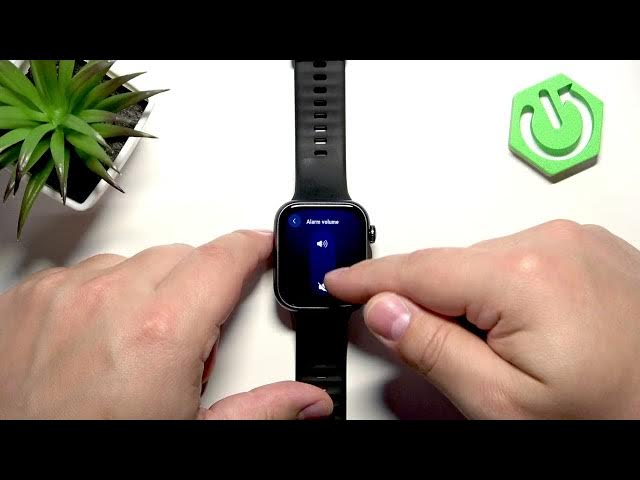

HUAWEI Watch Fit 5 – Adjust Sound Volume
Jun 14, 2026

Learn how to adjust the sound volume on the HUAWEI Watch Fit 5. In this short, clear video you will see how to wake the watch, open the menu, go to Settings → Sounds & vibration and change ringtone, alarm and broadcast volumes. We explain what each volume controls (notifications/calls, alarm clock, workout broadcasts) and how to save your changes so the watch rings and notifies at the level you prefer.
How to adjust sound volume on HUAWEI Watch Fit 5?
How to change ringtone, alarm and broadcast volume on HUAWEI Watch Fit 5?
Where is Sounds & Vibration in HUAWEI Watch Fit 5 settings?
0:00 Wake the HUAWEI Watch Fit 5 screen
0:08 Press the crown and open the menu
0:28 Go to Settings → Sounds & vibration
0:35 Select Volumes and adjust Ringtone, Alarm, Broadcast
1:00 Return to watch face and quick tips
#HuaweiWatchFit5 #HuaweiWatch #WatchFit5 #AdjustVolume
Find out more:
https://www.hardreset.info/devices/huawei/huawei-watch-fit-5/adjust-sound-volume/
Follow us on Instagram ► https://www.instagram.com/hardreset.info
Like us on Facebook ► https://www.facebook.com/hardresetinfo/
Tweet us on Twitter ► https://twitter.com/HardResetI
Show More Show Less #Science