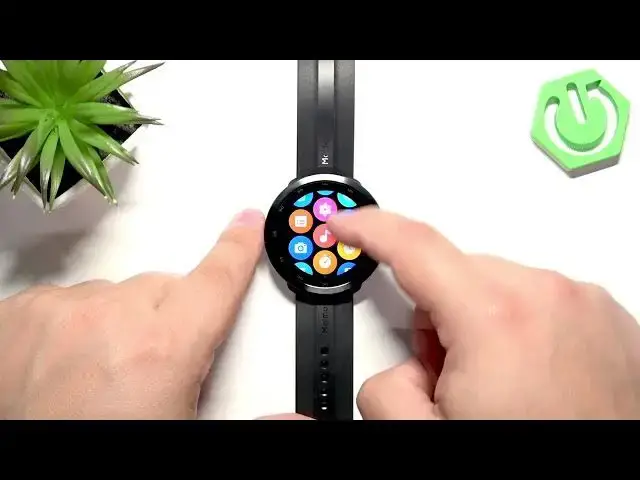

70MAI Maimo Watch R - How to Change Screen Timeout
Jul 2, 2026

In this short video I show how to change the screen timeout duration on the 70MAI Maimo Watch R. You will learn how to wake the watch, open the side button menu, go to Settings → Display & Brightness, find Screen Timeout and choose a duration (5s, 10s, 15s). I explain why 10 seconds is a good balance between convenience and battery life and show how to save the setting so the watch turns off automatically after your chosen time. This quick walkthrough helps you customize screen behavior and save battery on your Maimo Watch R.
How to change screen timeout on 70MAI Maimo Watch R?
How to set screen timeout on 70MAI Maimo Watch R?
How to extend screen timeout on 70MAI Maimo Watch R?
0:00 Intro - what we will change
0:08 Wake the screen and open the menu
0:28 Open Settings and go to Display & Brightness
0:58 Tap Screen Timeout and open duration list
1:14 Choose 5s / 10s / 15s and battery note
1:32 Save selection and return to watch face
1:40 Wrap up and subscribe
#70MAI #MaimoWatchR #ScreenTimeout #SmartwatchTips
Find out more:
https://www.hardreset.info/devices/70mai/70mai-maimo-watch-r/screen-timeout/
Follow us on Instagram ► https://www.instagram.com/hardreset.info
Show More Show Less #Science