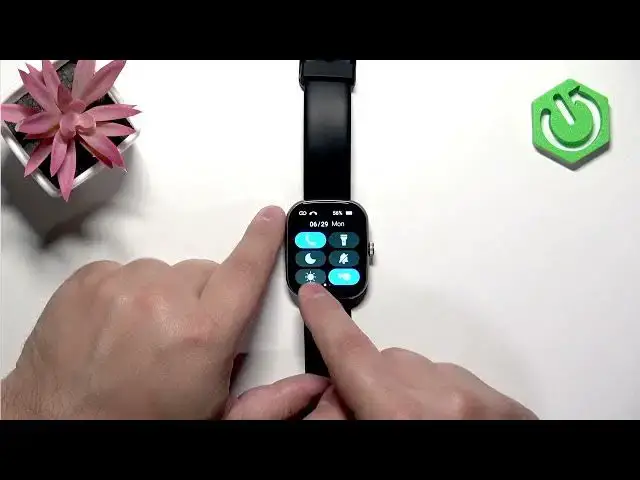

IMIKI Frame 2 Lite – How to Change Screen Brightness
Jul 2, 2026

In this short video we show how to change the screen brightness on the IMIKI Frame 2 Lite smartwatch. You will learn how to wake the screen, open the quick panel, tap the sun (brightness) icon and adjust the slider. The Frame 2 Lite uses four discrete brightness levels (lowest, middle, 80% and 100%), so the slider moves in steps rather than a smooth range. This quick guide helps you improve visibility or save battery by choosing the right brightness level for your environment.
How to change screen brightness on IMIKI Frame 2 Lite?
How to open the quick panel on IMIKI Frame 2 Lite?
How many brightness levels does IMIKI Frame 2 Lite have?
0:00 Intro
0:16 Wake the screen & open quick panel
0:21 Tap the sun icon (brightness)
0:40 Adjust the slider – four brightness levels explained
1:01 Press the crown to return to the watch face / Wrap up
#IMIKI #IMIKIFrame2Lite #ScreenBrightness #SmartwatchTips
Find out more:
https://www.hardreset.info/devices/imiki/imiki-frame-2-lite/change-screen-brightness/
Follow us on Instagram ► https://www.instagram.com/hardreset.info
Like us on Facebook ► https://www.facebook.com/hardresetinfo/
Tweet us on Twitter ► https://twitter.com/HardResetI
Show More Show Less #Science