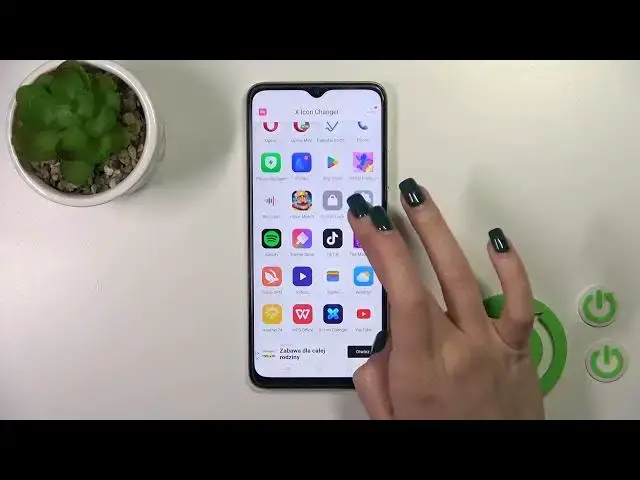

How to Change Icons Shape on OPPO A18? | X Icon Changer
Aug 5, 2024

Find out more info about OPPO A18: https://www.hardreset.info/devices/oppo/oppo-a18/tutorials/
In this tutorial, you'll learn how to change the shape of app icons on your OPPO A18 smartphone using the X Icon Changer app. Customizing icon shapes can give your device a unique and personalized look. We will provide step-by-step instructions on how to use the X Icon Changer app to modify app icons on your OPPO A18.
Why customize app icons with X Icon Changer on your OPPO A18? How to download and install the X Icon Changer app on your device? What are the steps to change app icon shapes with X Icon Changer? Can you revert to default icons, and does it affect app functionality? How can you ensure a consistent and appealing look for modified icons? #ChangeIconShape #XIconChanger #OPPOA18
Follow us on Instagram ► https://www.instagram.com/hardreset.info
Like us on Facebook ► https://www.facebook.com/hardresetinfo/
Tweet us on Twitter ► https://twitter.com/HardResetI
Support us on TikTok ► https://www.tiktok.com/@hardreset.info
Use Reset Guides for many popular Apps ► https://www.hardreset.info/apps/apps/
Show More Show Less #Science