
HMD Arc — Use Gallery App to Organize Photos
Jun 3, 2026

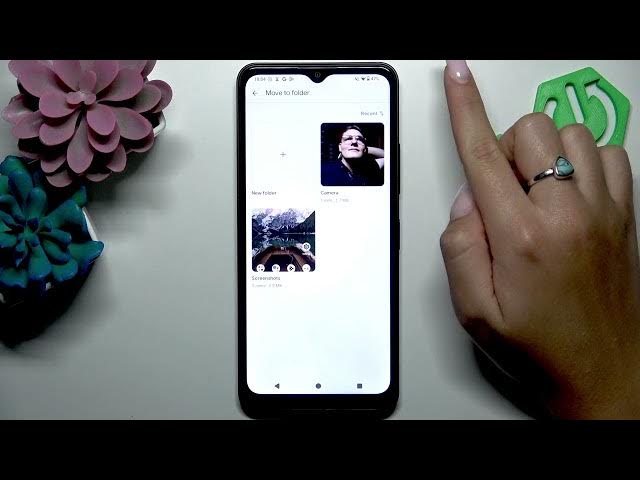
In this short video we show how to use the Gallery app on the HMD Arc phone to organize your photos into folders and albums. You will learn how to open Gallery, select single or multiple photos with touch-and-hold, use the menu to "Move to folder", create a new folder and name it, and then view your organized photos. This method helps keep your pictures tidy and easy to find on your HMD Arc.
How to use the Gallery app on HMD Arc to organize photos?
How to create a new folder in Gallery on HMD Arc?
How to move multiple photos to an album on HMD Arc Gallery app?
0:00 Intro - What we will do
0:10 Open Gallery and go to My photos
0:26 Select photos (touch and hold, then tap others)
0:40 Tap the menu (three-dot) and choose Move to folder
0:49 Create new folder and enter a name
1:07 Confirm and view the new folder with your photos
1:18 Outro - Like and subscribe for more HMD Arc tips
#HMDArc #GalleryApp #OrganizePhotos #PhotoFolders
Find out more:
https://www.hardreset.info/devices/hmd/hmd-arc/
Follow us on Instagram ► https://www.instagram.com/hardreset.info
Show More Show Less #Science