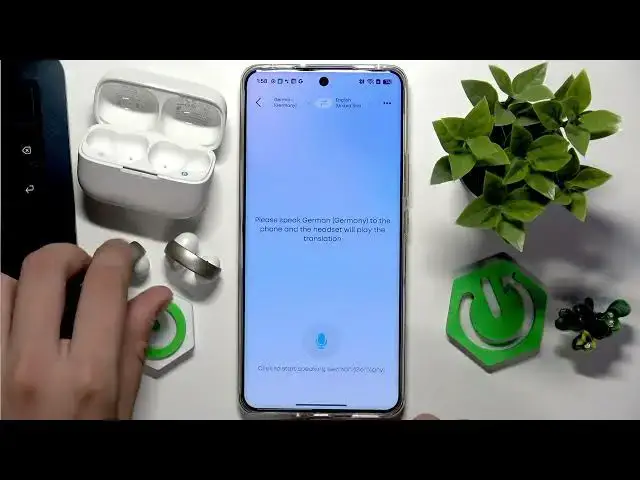

SOUNDCORE AeroClip – How to Use Real-Time AI Translation
Jul 1, 2026

Learn how to use the real-time AI translation feature on your SOUNDCORE AeroClip earbuds with the Soundcore app. In this video you will see how to sign in, add or pair your AeroClip, open the in-app chat (Anka Chat), tap the Real-time Translation button, select source and target languages, and hear live translation directly in your earbuds. I also show a quick test and give tips on connection and accuracy so you get reliable results when translating conversations on the go.
How to use real-time AI translation on SOUNDCORE AeroClip?
How to enable real-time translation in the Soundcore app for SOUNDCORE AeroClip?
How to change languages for real-time translation on SOUNDCORE AeroClip?
0:00 Intro
0:06 Sign in and add/pair your AeroClip
0:14 Open Soundcore app and Anka Chat
0:28 Tap Real-time Translation
0:36 Select source and target languages
0:48 Hear translated audio in your earbuds and test
1:18 Tips, limits and goodbye
#SOUNDCORE #AeroClip #AITranslation #RealTimeTranslation
Find out more:
https://www.hardreset.info/devices/soundcore/soundcore-aeroclip/
Follow us on Instagram ► https://www.instagram.com/hardreset.info
Show More Show Less #Science