
SOUNDCORE AeroClip – How to Change Volume (Gesture Controls)
Jul 1, 2026

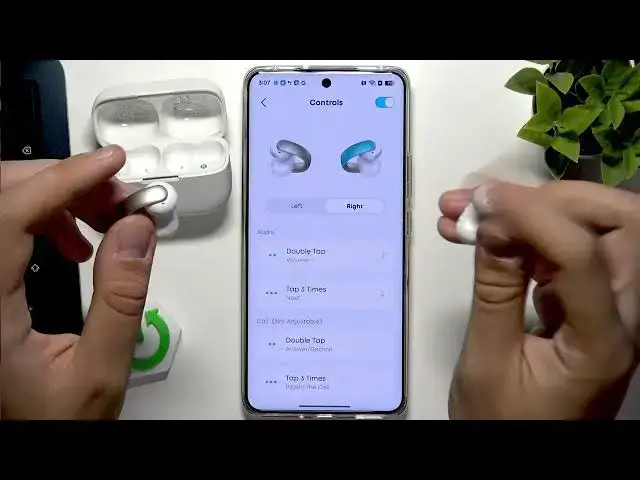
Learn how to change the volume on your SOUNDCORE AeroClip earbuds using the SOUNDCORE app and the earbuds' touch gestures. In this short video I show how to open the SOUNDCORE app, go to Controls, assign gestures like double tap or triple tap to volume up and volume down, and how to test the settings on the earbuds. I also mention a quick troubleshooting tip if the touch panels are unresponsive so you can get volume control working without digging through menus.
How to change volume on SOUNDCORE AeroClip?
How to set gesture volume controls in the SOUNDCORE app for SOUNDCORE AeroClip?
Where are the touch volume controls for SOUNDCORE AeroClip?
0:00 Intro
0:08 Open the SOUNDCORE app & go to Controls
0:22 Prepare gestures for volume management
0:40 Assign double tap left = volume down, double tap right = volume up
0:58 Test the touch controls on the earbuds
1:02 Troubleshooting unresponsive touch panels
1:29 Summary and goodbye
#Soundcore #AeroClip #Earbuds #VolumeControl
Find out more:
https://www.hardreset.info/devices/soundcore/soundcore-aeroclip/change-volume/
Follow us on Instagram ► https://www.instagram.com/hardreset.info
Show More Show Less #Science