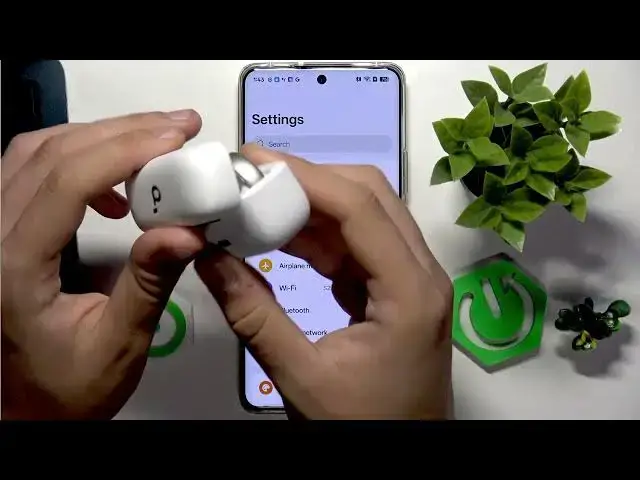

SOUNDCORE AeroClip – How to Add to Soundcore App
Jul 1, 2026

In this short video I show how to add SOUNDCORE AeroClip earbuds to the Soundcore smartphone app. You will see how to open the Soundcore app, tap the Soundcore icon, choose Add Device, and let the app search for your AeroClip. I also explain how to put the earbuds into pairing mode with a 3 second press and when to perform a quick factory reset (hold 10 seconds with the case closed) if the app does not find them. This guide gets your AeroClip connected for firmware updates, sound settings and custom controls. Keywords: Soundcore app pairing, AeroClip pairing, Soundcore earbuds setup, factory reset, pairing mode, add device.
How to add SOUNDCORE AeroClip to the Soundcore app?
How to put SOUNDCORE AeroClip into pairing mode?
How to factory reset SOUNDCORE AeroClip earbuds?
0:00 Intro – What we will do
0:06 Open the Soundcore app
0:12 Tap the Soundcore icon (bottom left)
0:18 Select Add Device
0:24 App searches and finds AeroClip
0:30 Pairing mode – hold earbud button 3 seconds
0:36 Quick factory reset – hold button 10 seconds with case closed
0:50 Select your AeroClip in the list and finish setup
#Soundcore #AeroClip #Earbuds #Pairing
Find out more:
https://www.hardreset.info/devices/soundcore/soundcore-aeroclip/add-smartphone-app/
Show More Show Less #Science