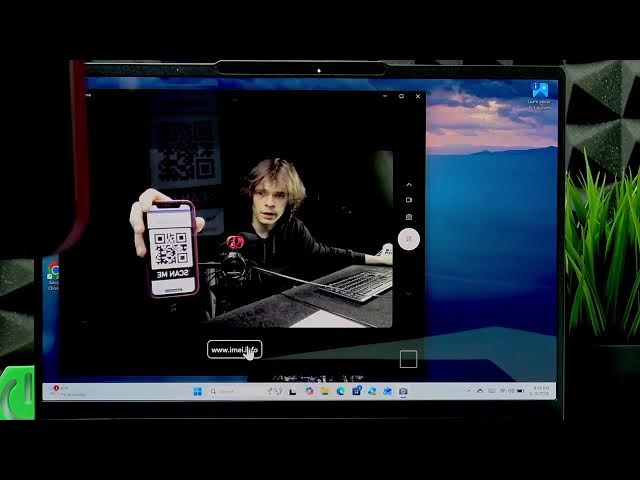

LENOVO Yoga Slim 7 – How to Scan QR Code
Jun 14, 2026

Learn how to quickly scan QR codes using the LENOVO Yoga Slim 7 built-in webcam and the Windows Camera app. In this short, clear video we show each step: check the camera toggle on the laptop edge, open the Camera app from the Start menu, switch to the QR code mode, point the QR code at the webcam, copy the detected text or link, and paste it into your browser. This method works for URLs, text, and codes and does not require a phone. Perfect for fast, safe QR scanning on your Yoga Slim 7.
How to scan QR code on LENOVO Yoga Slim 7?
How to use the Windows Camera app to scan QR codes on LENOVO Yoga Slim 7?
Where is the camera toggle on LENOVO Yoga Slim 7 to enable QR scanning?
0:00 Intro
0:06 Check the camera toggle on the right edge
0:18 Open the Windows Camera app from Start
0:32 Switch to QR code mode and position the QR
0:52 Copy the scanned text or link
1:11 Paste into the browser and open the site
1:19 Outro and subscribe reminder
#Lenovo #YogaSlim7 #QRCode #ScanQRCode
Find out more:
https://www.hardreset.info/devices/lenovo/lenovo-yoga-slim-7/scan-qr-code/
Follow us on Instagram ► https://www.instagram.com/hardreset.info
Show More Show Less #Science