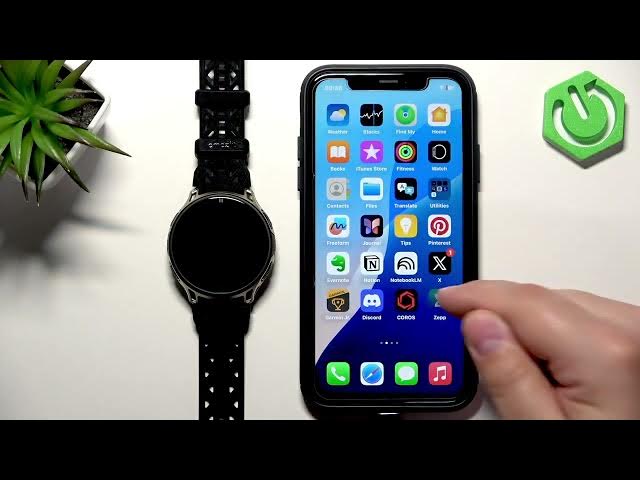

AMAZFIT Cheetah 2 Pro – How to Enable Phone Notifications on iPhone
Jun 10, 2026

Learn how to enable phone notifications from your iPhone to your AMAZFIT Cheetah 2 Pro using the Zepp app. This video shows every step: check iPhone Bluetooth permissions (Share System Notifications), allow notification access in Zepp, enable app notifications and categories, and adjust useful preferences like DND follow, off-wrist mute and auto-show so alerts from calls, SMS and apps appear on your watch.
How to enable phone notifications on AMAZFIT Cheetah 2 Pro with iPhone?
How to get iPhone notifications on AMAZFIT Cheetah 2 Pro using Zepp app?
How to enable "Share System Notifications" for AMAZFIT Cheetah 2 Pro on iPhone?
0:00 Introduction
0:22 Pairing & check permissions
1:17 Enable "Share System Notifications" in Bluetooth
1:45 Open Zepp app and allow notification permissions
2:08 Zepp — Device → Notifications overview
2:36 App notifications and switches
2:57 Preferences: DND, off-wrist, auto-show
3:13 Categories: SMS, email, phone apps, Allow all
3:35 Test with Discord message
4:15 Wrap up & subscribe
#AMAZFIT #Cheetah2Pro #iPhoneNotifications #ZeppApp
Find out more:
Show More Show Less #Science