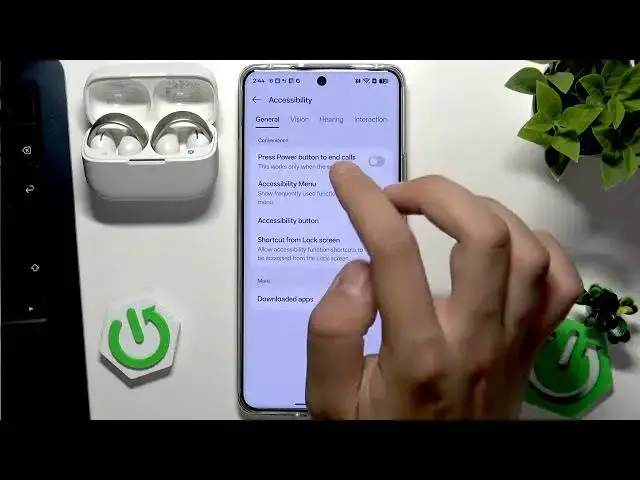

SOUNDCORE AeroClip – How to Enable Mono Audio on Android
Jul 1, 2026

This short video shows how to enable mono audio on your Android phone for your SOUNDCORE AeroClip earbuds. You will learn how to confirm the Bluetooth connection, open Android Settings, go to Accessibility → Hearing, and toggle Mono audio so left and right channels match. This setting is useful if you hear sound only in one ear or prefer both channels to play the same audio. Works on most Android phones and Soundcore earbuds.
How to enable mono audio on Android for SOUNDCORE AeroClip?
How to turn on mono audio in Accessibility for Soundcore Aeroclip on Android?
How to use SOUNDCORE AeroClip in mono mode on Android phones?
0:00 Intro and overview
0:06 Open Settings and Bluetooth – connect SOUNDCORE AeroClip
0:14 Go back to Settings and open Accessibility
0:20 Select Hearing and enable Mono audio
0:26 Quick test and wrap up
#SOUNDCORE #AeroClip #MonoAudio #AndroidAccessibility
Find out more:
https://www.hardreset.info/devices/soundcore/soundcore-aeroclip/
Follow us on Instagram ► https://www.instagram.com/hardreset.info
Like us on Facebook ► https://www.facebook.com/hardresetinfo/
Tweet us on Twitter ► https://twitter.com/HardResetI
Show More Show Less #Science