
NOTHING Headphone (a) – How to Customize Gestures
Jun 14, 2026

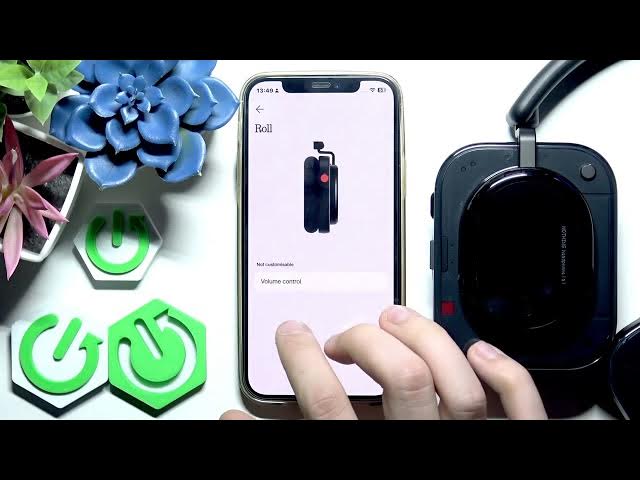
In this video I show how to customize controls and gestures on the NOTHING Headphone (a) using the NOTHING X app. You will learn where to find the Controls menu, how to change single press and press-and-hold actions, which functions you can map (camera shutter, noise control modes, mic mute, equalizer presets or no action), how the roller and puddle behave, and how to reset controls back to default. This guide is simple and quick, perfect for new users and anyone who wants to personalize their headphone controls for easier daily use. Keywords: NOTHING Headphone (a), NOTHING X app, customize gestures, headphone controls, noise cancellation, transparency mode, equalizer preset.
How to customize gestures on NOTHING Headphone (a) using the NOTHING X app?
How to change single press and press-and-hold actions on NOTHING Headphone (a)?
How to reset controls to default on NOTHING Headphone (a)?
0:00 Intro – what we’ll change and app overview
0:06 Open NOTHING X app and connect your Headphone (a)
0:16 Scroll down to Controls in the app
0:29 Select Button → choose Single press action
0:43 Available actions: camera shutter, noise control, mic mute, EQ preset, no action
0:55 Roller and Press & Hold options – noise control and modes
1:14 Which controls are not customizable (puddle, some gestures)
1:29 How to reset controls to default and closing tips
#Nothing #NothingHeadphoneA #NOTHINGX #HeadphoneControls
Find out more:
https://www.hardreset.info/devices/nothing/nothing-headphone-a/customize-gestures/
Show More Show Less #Science