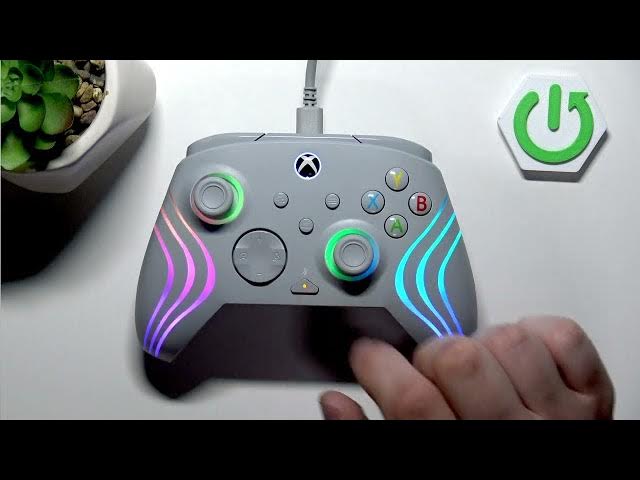

TURTLE BEACH Afterglow Wave – How to Mute or Unmute Microphone
Jun 9, 2026

In this short, clear video you will learn how to mute or unmute the microphone on the TURTLE BEACH Afterglow Wave headset. If your mic is connected to a PC or controller, you can quickly toggle mute by pressing the dedicated microphone mute button twice. This method works for gaming, streaming, voice chat and quick privacy control. The steps are simple, fast, and perfect when you need to silence your mic immediately without digging through settings.
How to mute the microphone on TURTLE BEACH Afterglow Wave?
How to unmute the microphone on TURTLE BEACH Afterglow Wave?
Where is the microphone mute button on TURTLE BEACH Afterglow Wave?
0:00 Intro
0:03 Show the TURTLE BEACH Afterglow Wave and microphone connection
0:10 How to mute the microphone (press mic mute button twice)
0:18 How to unmute the microphone (press mic mute button twice again)
0:26 Like, comment and subscribe / Outro
#TurtleBeach #AfterglowWave #MuteMic #HeadsetTips
Find out more:
https://www.hardreset.info/devices/turtle-beach/turtle-beach-afterglow-wave/
Follow us on Instagram ► https://www.instagram.com/hardreset.info
Like us on Facebook ► https://www.facebook.com/hardresetinfo/
Tweet us on Twitter ► https://twitter.com/HardResetI
Show More Show Less #Science