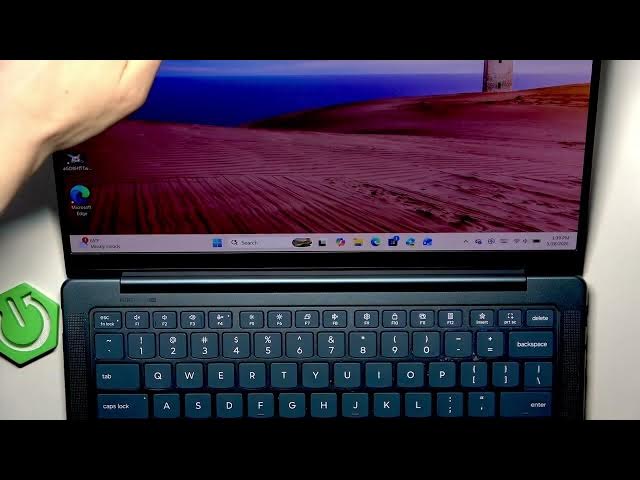

LENOVO Yoga Slim 7 – How to Right-Click
Jun 10, 2026

In this short video we show simple, reliable ways to right-click on a LENOVO Yoga Slim 7. If your touchpad has no physical buttons you can press the bottom-right corner, use a two-finger tap, or press with two fingers. We also show how to open Settings and change touchpad behavior so tapping or pressing works the way you prefer. Follow the clear steps to make right-clicking faster and to customize touchpad taps in Windows.
How to right click on LENOVO Yoga Slim 7?
How to enable two-finger tap on LENOVO Yoga Slim 7 touchpad?
How to change touchpad settings on LENOVO Yoga Slim 7?
0:00 Intro - what this video covers
0:04 Method 1: Press bottom-right of the touchpad to right-click
0:04 Method 2: Two-finger tap or two-finger press to right-click
0:25 Open Start → Settings to customize touchpad
0:35 Settings path: Settings → Bluetooth & devices → Touchpad → Taps
0:54 Disable/enable two-finger tap and change two-finger press behavior
1:01 Quick recap and finish
#Lenovo #YogaSlim7 #Touchpad #RightClick
Find out more:
https://www.hardreset.info/devices/lenovo/lenovo-yoga-slim-7/right-click/
Follow us on Instagram ► https://www.instagram.com/hardreset.info
Show More Show Less #Science