
OMODA 5 EV – How to Reset Camera to Factory Defaults
Jun 15, 2026

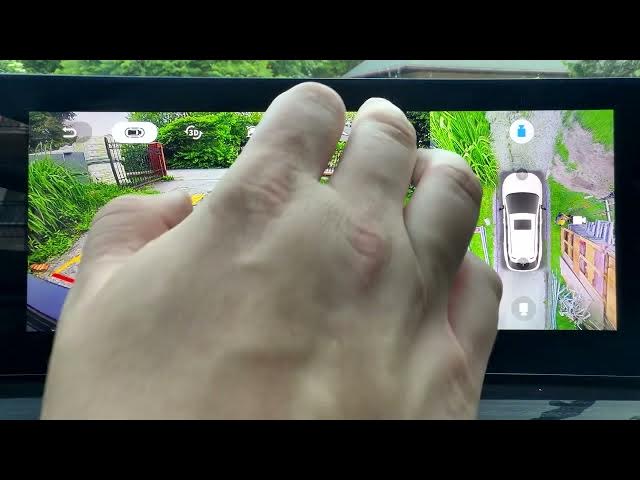
Quick, clear steps to reset the camera system on the OMODA 5 EV back to factory defaults. This video shows where to open the Around View Monitor in the quick settings, how to choose Restore Default Settings, and how to confirm the reset. Use this when camera previews are wrong, calibration feels off, or you want to return all camera options to their original settings. Fast and easy steps for OMODA 5 EV owners to restore camera settings.
How to reset camera to factory defaults on OMODA 5 EV?
How to find Restore Default Settings in OMODA 5 EV Around View Monitor?
How to restore camera settings on OMODA 5 EV after changes?
0:00 Introduction
0:06 Open Quick Settings and go to Around View Monitor
0:15 Select Restore Default Settings
0:20 Confirm reset
0:24 Done / Closing notes
#OMODA5EV #CarCameraReset #AroundViewMonitor #CarSettings
Find out more:
https://www.hardreset.info/devices/omoda/omoda-5-ev/
Follow us on Instagram ► https://www.instagram.com/hardreset.info
Like us on Facebook ► https://www.facebook.com/hardresetinfo/
Tweet us on Twitter ► https://twitter.com/HardResetI
Show More Show Less #Science