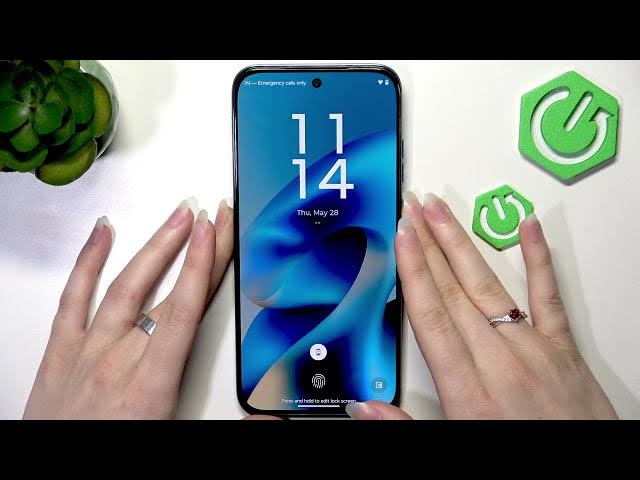

MOTOROLA Moto G87 – How to Enable Sleep Display (Like Always-On Display)
May 28, 2026

In this video I show how to get an Always-On Display-like experience on the MOTOROLA Moto G87 using its Sleep Display feature. The Moto G87 does not have a true Always-On Display, but Sleep Display lets you tap the screen or lift the phone to quickly see the time and notifications without fully unlocking. You'll learn where to find Sleep Display, how to turn it on, and how to control notifications and wake behaviors so the screen shows only what you want.
How to enable Always-On Display on MOTOROLA Moto G87?
How to turn on Sleep Display on MOTOROLA Moto G87?
Where is the Lock Screen setting on MOTOROLA Moto G87?
0:00 Intro - What Sleep Display is and why use it
0:07 Open Settings on MOTOROLA Moto G87
0:17 Go to Home and Lock Screen → Lock Screen
0:26 Enable Sleep Display and demo (tap or lift to wake)
0:34 Notifications on Sleep Display and how to hide them
0:47 Wrap up and final tips
#MotoG87 #Motorola #AlwaysOnDisplay #SleepDisplay
Find out more:
https://www.hardreset.info/devices/motorola/motorola-moto-g87/
Follow us on Instagram ► https://www.instagram.com/hardreset.info
Like us on Facebook ► https://www.facebook.com/hardresetinfo/
Show More Show Less #Science