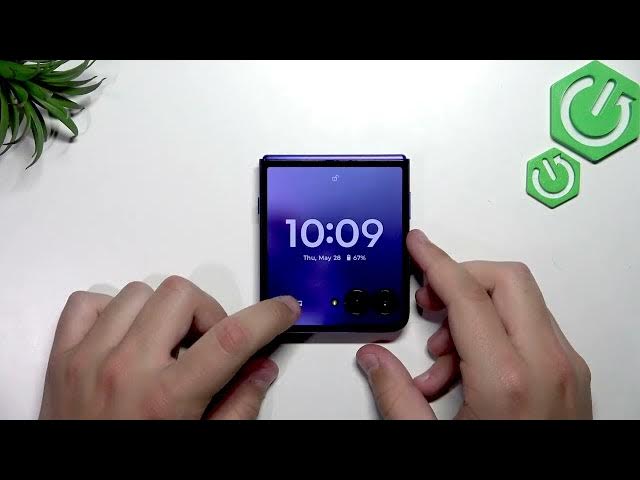

MOTOROLA Razr 70 Ultra – How to Manage Notifications & Use Cover Screen
Jun 7, 2026

In this video we show notification management and the cover screen on the MOTOROLA Razr 70 Ultra. You will learn how to open Settings, go to Notifications, enable or disable app notifications, turn on Notification History, and control what appears on the lock screen and cover screen. These steps help you hide silent alerts, clear notifications from the cover screen, and make sure only the apps you want can send visible notifications.
How to manage notifications on MOTOROLA Razr 70 Ultra?
How to show or hide notifications on MOTOROLA Razr 70 Ultra cover screen?
How to enable notification history on MOTOROLA Razr 70 Ultra?
0:00 Welcome and overview
0:09 Open Settings on your Razr 70 Ultra
0:20 Go to Notifications menu
0:34 App notifications – enable or disable specific apps
0:54 Turn on Notification History
1:00 Lock screen notifications and “hide silent conversation notifications” option
1:40 View and clear notifications on the cover screen
2:04 Final tips, recap and subscribe
#Motorola #Razr70Ultra #Notifications #CoverScreen
Find out more:
https://www.hardreset.info/devices/motorola/motorola-razr-70-ultra/
Show More Show Less #Science