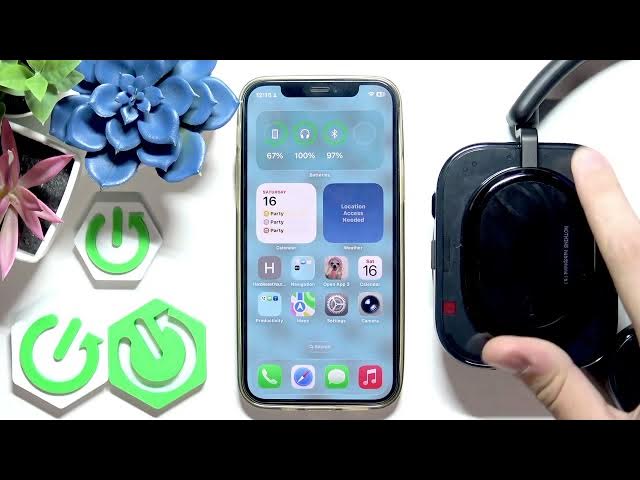

How to Call Siri with NOTHING Headphone (a)
Jun 14, 2026

In this short video you will learn how to call Siri on your iPhone using the NOTHING Headphone (a). I show the default click gesture that activates Siri, demonstrate it working, and then open the NothingX app to show how you can customize or disable that gesture. This guide covers single press and press-and-hold options, where to find the gesture settings in NothingX, and how to turn the feature off if you prefer not to trigger Siri from the headphones. Perfect for new NOTHING Headphone (a) owners and iPhone users who want quick voice access.
How to call Siri with NOTHING Headphone (a)?
How to customize gestures on NOTHING Headphone (a) using the NothingX app?
How to disable the Siri call gesture on NOTHING Headphone (a)?
0:00 Intro – what this video covers
0:10 Default gesture to call Siri (single click)
0:24 Demo – clicking the button to open Siri
0:38 Open NothingX app – select your headphones icon
0:50 Adjust gestures: single press, press & hold, or disable
1:10 Quick recap and closing tips
#NothingHeadphoneA #NothingX #Siri #iPhone
Find out more:
https://www.hardreset.info/devices/nothing/nothing-headphone-a/call-siri/
Follow us on Instagram ► https://www.instagram.com/hardreset.info
Like us on Facebook ► https://www.facebook.com/hardresetinfo/
Show More Show Less #Science