
HYUNDAI Santa Fe V - How to Manage Steering Wheel Buttons
Jun 15, 2026

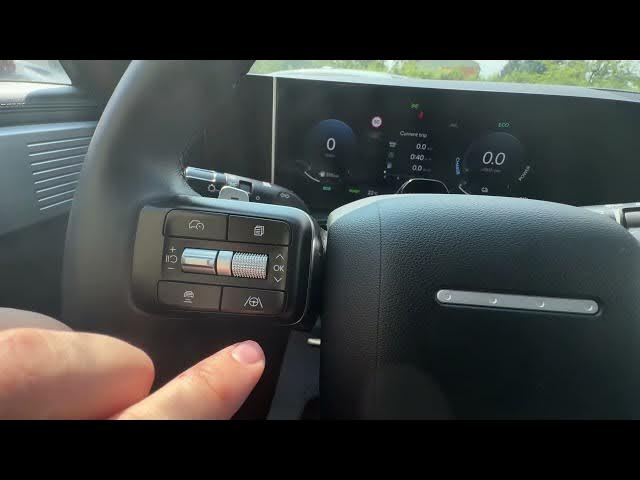
Learn how to manage and use every steering wheel button on the HYUNDAI Santa Fe V. This short video walks you through the left-side controls for Smart Cruise Control, changing following distance and navigating the instrument cluster. You'll also see how to enable Steering Assist, plus the right-side buttons for voice assistant, volume, radio source, favorite, and answering or ending calls. We show the horn location and the paddle shifters behind the wheel so you can quickly learn what each button does and drive more comfortably and safely.
How to manage steering wheel buttons on HYUNDAI Santa Fe V?
How to enable Steering Assist on HYUNDAI Santa Fe V?
How to use Smart Cruise Control and change following distance on HYUNDAI Santa Fe V?
0:00 Intro - Overview of the HYUNDAI Santa Fe V steering wheel
0:06 Left side controls - panel overview
0:14 Smart Cruise Control - activate and change following distance
0:27 Steering Assist & instrument cluster navigation
0:36 Right side controls - voice, volume, radio source and station
0:53 Phone, favorite button, horn and paddle shifters
#Hyundai #SantaFeV #SteeringControls #CarTips
Find out more:
https://www.hardreset.info/devices/hyundai/hyundai-santa-fe-v/
Follow us on Instagram ► https://www.instagram.com/hardreset.info
Like us on Facebook ► https://www.facebook.com/hardresetinfo/
Show More Show Less #Science