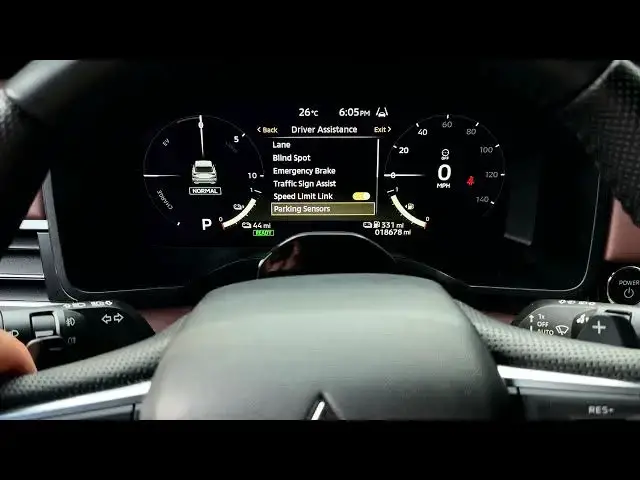

MITSUBISHI Outlander IV – How to Show Parking Sensor Radar Graphic
Jun 30, 2026

In this short video you will learn how to enable the parking sensor radar graphic on the MITSUBISHI Outlander IV. I show where the settings are on the dashboard behind the steering wheel, how to use the left/right arrows and OK button to navigate, and how to turn the parking sensor Display on or off. When enabled the system overlays colored sonar waves (green, yellow, red) on the instrument cluster or backup camera so you can see which corner of the car is closest to an object.
How to show parking sensor graphic on MITSUBISHI Outlander IV?
How to enable parking sensor display on MITSUBISHI Outlander IV?
Where is the parking sensor display setting in MITSUBISHI Outlander IV dashboard?
0:00 Intro – what this video shows
0:04 Dashboard controls overview (arrows, OK button, scrolling)
0:25 Open Settings and select Driver Assistance
0:46 Select Parking Sensors menu
1:01 Toggle the Display option on/off and explanation of radar graphic
1:28 Final tip and wrap up
#Mitsubishi #OutlanderIV #ParkingSensors #CarTech
Find out more:
https://www.hardreset.info/devices/mitsubishi/mitsubishi-outlander-iv/
Follow us on Instagram ► https://www.instagram.com/hardreset.info
Like us on Facebook ► https://www.facebook.com/hardresetinfo/
Show More Show Less #Science