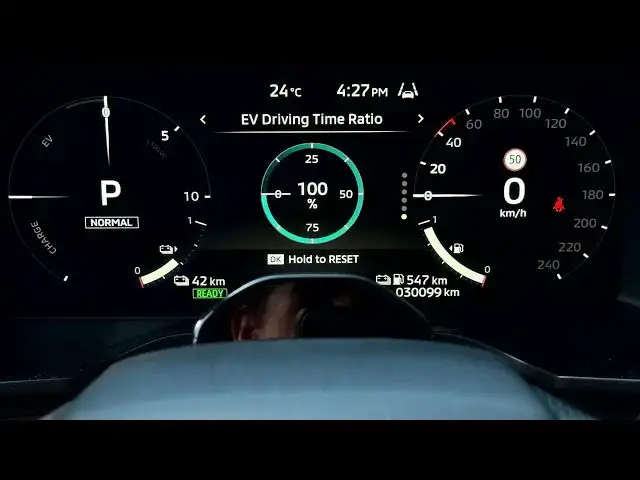

MITSUBISHI Outlander IV - How to Reset All Trip History Statistics
Jun 30, 2026

In this quick video I show how to reset all trip history statistics on the MITSUBISHI Outlander IV. You will learn how to navigate the instrument cluster using the left and right arrows and the OK button, find the "Drive computer since reset" screen, and perform the Reset All option to clear average speed, fuel consumption, electric energy usage, trip distance and driving time back to zero. This reset is useful after maintenance, refueling, or when you want fresh trip data for a new journey. The steps are shown directly on the instrument cluster so you can follow along easily.
How to reset all trip history statistics on MITSUBISHI Outlander IV?
How to clear trip computer data on Mitsubishi Outlander IV?
Where is Drive Computer Since Reset on Outlander IV instrument cluster?
0:00 Introduction
0:05 Instrument cluster navigation - using left/right arrows and OK
0:28 Enter instrument cluster and highlight information
0:44 Find "Drive computer since reset"
0:49 Hold OK to open reset options
0:58 Select Reset All - what data is cleared
1:05 Confirm Reset and finish
1:11 Outro
#Mitsubishi #OutlanderIV #TripReset #CarTips
Find out more:
https://www.hardreset.info/devices/mitsubishi/mitsubishi-outlander-iv/
Show More Show Less #Science