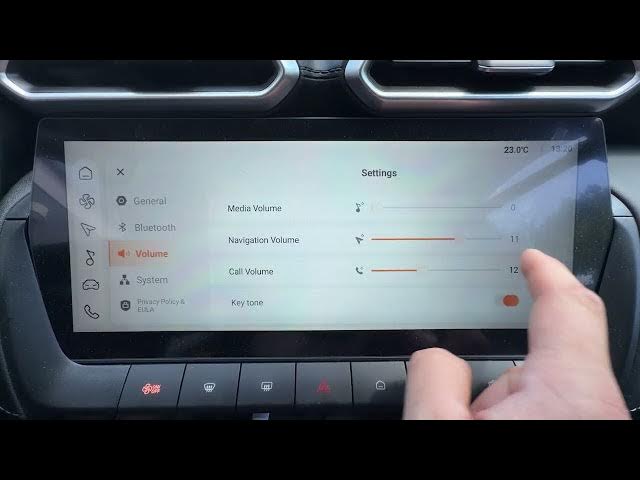

MG ZS – How to Adjust Navigation Volume
Jun 10, 2026

In this short video you will learn how to adjust the navigation (voice guidance) volume on the MG ZS. I show exactly where to go in the car menu so you can raise or lower the navigation prompts. Follow along to open Vehicle Settings, select Volume and change the navigation slider for louder or quieter voice directions. This is perfect for new MG ZS owners or anyone who wants clearer, less intrusive navigation prompts while driving.
How to adjust navigation volume on MG ZS?
How to change the voice guidance volume on MG ZS?
How to find Vehicle Settings and Volume on MG ZS?
0:00 Intro — what we will change
0:06 Open Vehicle Settings
0:12 Select Volume and move the navigation slider
0:18 Test the new volume and final tips
#MG #MGZS #NavigationVolume #CarAudio
Find out more:
https://www.hardreset.info/devices/mg/mg-zs/
Follow us on Instagram ► https://www.instagram.com/hardreset.info
Like us on Facebook ► https://www.facebook.com/hardresetinfo/
Tweet us on Twitter ► https://twitter.com/HardResetI
Support us on TikTok ► https://www.tiktok.com/@hardreset.info
Show More Show Less #Science