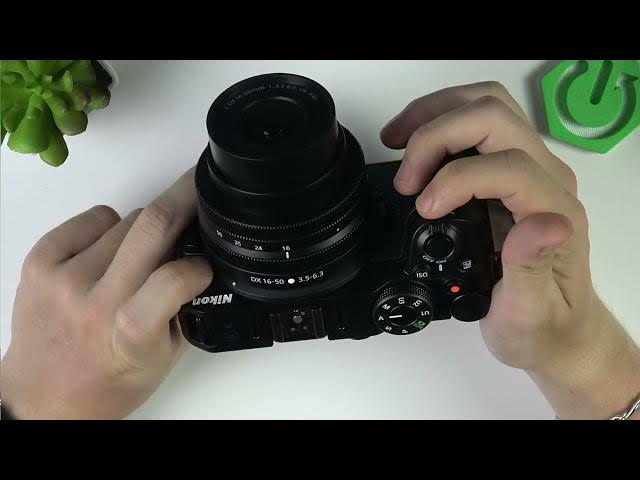

NIKON Z30 – First 10 Things to Do After Unboxing
Jun 3, 2026

Just unboxed your NIKON Z30? In this video you'll learn the first 10 things to do to get your camera ready: install battery and SD card, attach or remove the lens, power on and set language/time, adjust standby timer and grid, learn shooting modes, format the memory card, and set photo and video quality (RAW/JPEG, frame rate, file type). This quick start will help you avoid common mistakes and make sure your Z30 is configured for the best image and video results right away. Keywords: NIKON Z30 setup, Nikon Z30 unboxing, format SD card Nikon Z30, Nikon Z30 settings, RAW vs JPEG, 4K 30fps, 1080p 120fps, camera first steps.
How to set up NIKON Z30 after unboxing?
How to format SD card on NIKON Z30?
How to change photo and video settings on NIKON Z30?
0:00 Introduction – what this video covers
0:07 Insert battery and SD card (how to open the compartment)
0:58 How to remove and attach a lens (align the white dots)
2:15 Power on and initial setup – language, date and time
4:04 Adjust standby timer and enable screen grid
5:17 Shooting modes explained – Auto, P, S, A, M
7:22 Format memory card in the setup menu (backup first)
8:15 Photo settings – image quality, RAW vs JPEG, image size
9:31 Video settings – frame size, frame rate, MOV vs MP4
11:04 Final tips, channel videos and wrap up
#NikonZ30 #Nikon #CameraSetup #UnboxingTips
Find out more:
Show More Show Less #Science