
OPEL Grandland X – How to Set Navigation Destination
May 28, 2026

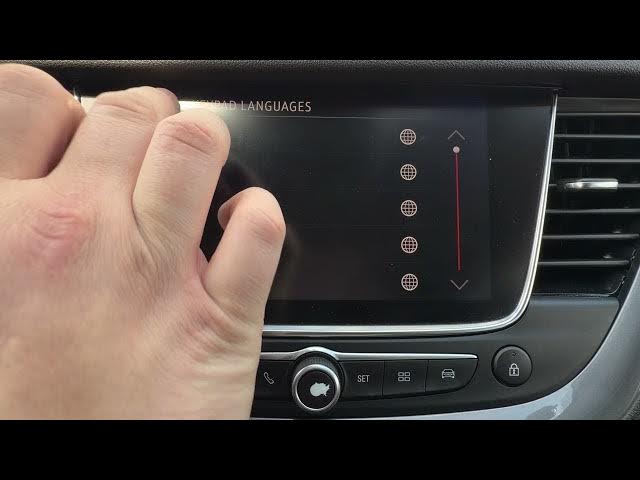
In this short video I show how to set a navigation destination on the OPEL Grandland X using the built-in navigation system. You will learn how to open Navigation, go to Menu, choose Address, Destinations or POIs, enter Country, City and Street, set the keyboard language, and then confirm to start the route. I also explain what to do if a city map is not installed and share quick tips to make the process faster and easier.
How to set navigation destination on OPEL Grandland X?
How to enter address and start navigation on OPEL Grandland X?
Where is the destination menu in the OPEL Grandland X navigation system?
0:00 Introduction
0:07 Open Navigation & Menu
0:20 Select Address, Destinations or POI
0:30 Select Country
0:45 Enter City
1:00 Enter Street & Set Keyboard Language
1:55 Confirm and Start Route
2:00 Tips and Wrap Up
#OpelGrandlandX #Navigation #CarNavigation #HowTo
Find out more:
https://www.hardreset.info/devices/opel/opel-grandland-x/
Show More Show Less #Science