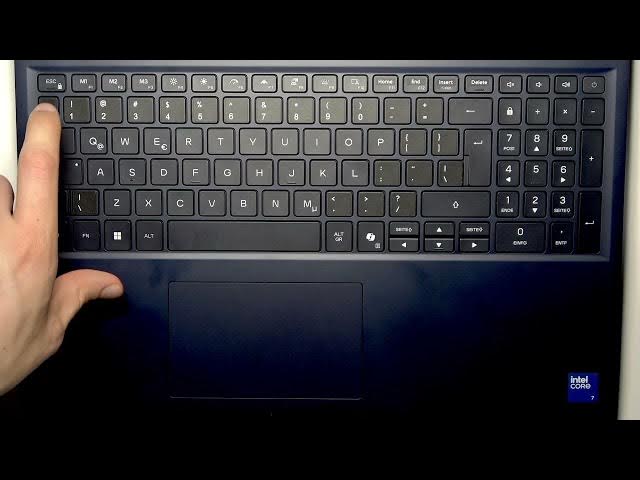

Alienware 16 Aurora - How to Use Function Keys
Jun 7, 2026

This video shows how to use the Function Keys on your Alienware 16 Aurora keyboard and explains the difference between primary function keys and action (secondary) keys. You will learn where the F-keys are, how to switch between default functions and Alienware action keys, and which keys control brightness, system boost, stealth mode, projection, keyboard backlight, screenshots, Home/End and touchpad toggle. The video also covers customizing F1–F3 with Alienware Command Center so you can assign quick actions for gaming and performance.
How to use Function Keys on Alienware 16 Aurora?
How to switch to Action Keys on Alienware 16 Aurora?
How to toggle the touchpad on Alienware 16 Aurora?
0:00 Introduction
0:05 Where the Function Keys are and primary vs action functions
0:32 Common F-key defaults (F1 help, F5 refresh, F11 fullscreen, F12 dev tools)
1:12 How to switch to Action Keys (press Fn + Esc)
1:29 Custom actions with Alienware Command Center (F1–F3)
1:46 Brightness controls (F4 decrease, F5 increase)
2:01 System Boost and Stealth Mode (F6, F7)
2:13 Projection menu and keyboard backlight (F8, F9)
2:26 Screenshots, Home/End and touchpad toggle (F10, F11, F12, Fn + Insert)
2:46 Final tips and wrap up
#Alienware #AlienwareAurora #FunctionKeys #KeyboardShortcuts
Find out more:
Show More Show Less #Science