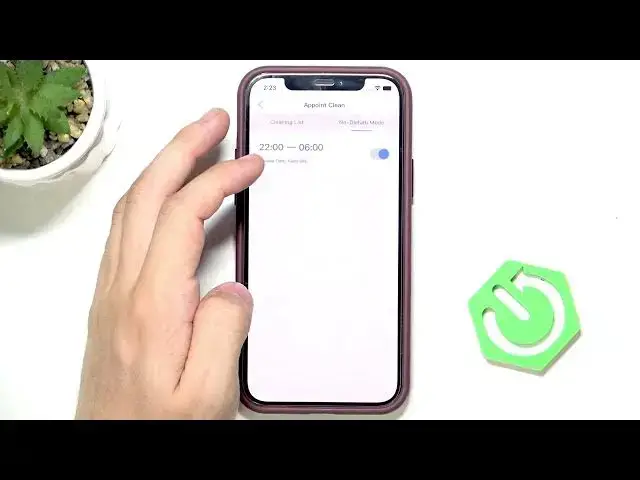

LENOVO T1 S Pro – How to Set Up Do Not Disturb Mode
Jun 30, 2026

In this short video I show how to set up Do Not Disturb Mode on the LENOVO T1 S Pro robot. You will learn where to open the menu in the app, how to access the Do Not Disturb option, add or delete a schedule, set start and end hours, and enable or disable the mode. I also mention possible effects like silencing voice alerts, turning off lights, or stopping auto-empty and automatic cleaning, although the manufacturer does not list exact behavior so you may want to test it on your unit.
How to set Do Not Disturb Mode on LENOVO T1 S Pro?
How to schedule Do Not Disturb on LENOVO T1 S Pro?
How to find Do Not Disturb in LENOVO T1 S Pro app?
0:00 Introduction – what we will set up
0:06 Open the app and tap the top right button
0:18 Select "Point Clean" then go to Do Not Disturb Mode
0:27 How to add or delete a Do Not Disturb schedule
0:32 Set start and end hours and confirm
0:45 Enable or disable Do Not Disturb on the robot
1:11 Notes on what Do Not Disturb may do (alerts, lights, auto-empty)
1:14 Wrap up and final tips
#LENOVO #LenovoT1SPro #DoNotDisturb #RobotVacuum
Find out more:
https://www.hardreset.info/devices/lenovo/lenovo-t1-s-pro/
Show More Show Less #Science