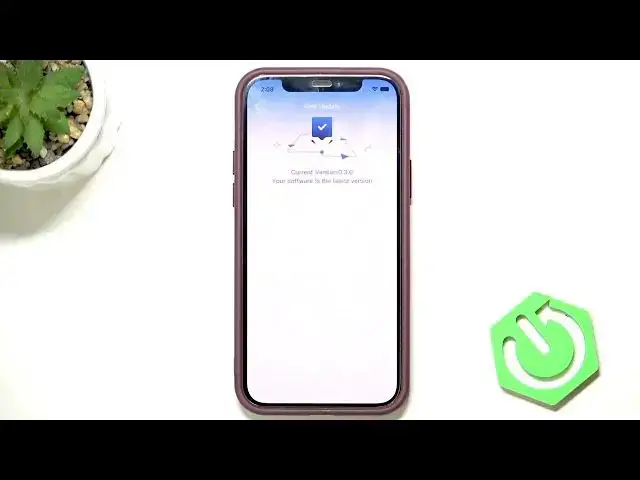

LENOVO T1 S Pro – How to Update Firmware
Jun 30, 2026

Learn how to update the firmware on your LENOVO T1 S Pro robot vacuum using the companion app. In this short clear video I show every step inside the app so you can check your current software, install available updates, and avoid problems. You will learn where to find the Firmware update option, how to start the install, and practical tips to keep the update safe like keeping the robot charging and keeping your phone and WiFi router close.
How to update firmware on LENOVO T1 S Pro?
How to check for firmware updates in the LENOVO T1 S Pro app?
How to install LENOVO T1 S Pro firmware update safely?
0:00 Intro
0:08 Open the app and tap the top-right button
0:16 Tap More functions and scroll to Firmware update
0:24 Check current version and tap Install if available
0:32 Update tips: keep the robot charging, phone and WiFi router nearby
0:46 Wrap up and final notes
#Lenovo #T1SPro #FirmwareUpdate #RobotVacuum
Find out more:
https://www.hardreset.info/devices/lenovo/lenovo-t1-s-pro/
Follow us on Instagram ► https://www.instagram.com/hardreset.info
Like us on Facebook ► https://www.facebook.com/hardresetinfo/
Show More Show Less #Science