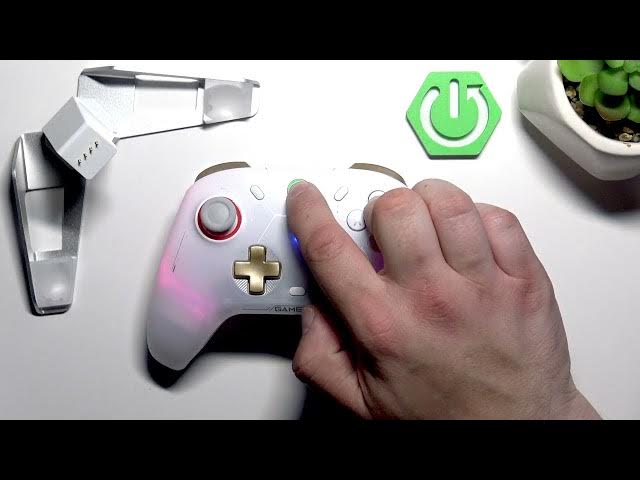

GameSir Cyclone 2 – How to Enable Switch Connection Mode
May 28, 2026

Learn how to enable Switch Connection Mode on the GameSir Cyclone 2 and pair it with your Nintendo Switch quickly and reliably. This short video shows the exact button combo on the GameSir Cyclone 2 (press and hold the GameSir button, then press and hold Triangle) and the steps to complete pairing on the Nintendo Switch: open Controllers → Change Grip/Order and select the controller shown on screen. Follow these steps to connect, test, and start playing with your GameSir Cyclone 2 in handheld or docked mode.
Find out more:
https://www.hardreset.info/devices/gamesir/gamesir-cyclone-2/
Follow us on Instagram ► https://www.instagram.com/hardreset.info
Like us on Facebook ► https://www.facebook.com/hardresetinfo/
Tweet us on Twitter ► https://twitter.com/HardResetI
Support us on TikTok ► https://www.tiktok.com/@hardreset.info
Use Reset Guides for many popular Apps ► https://www.hardreset.info/apps/apps/
Show More Show Less #Science