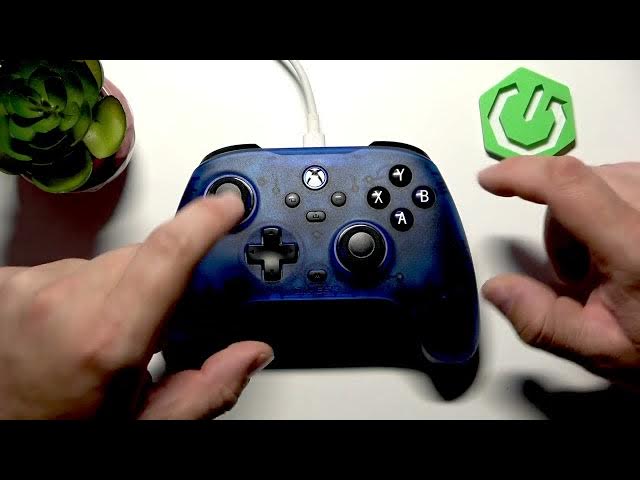

GameSir T7 – How to Change Volume via Controller
Jun 9, 2026

Learn how to change the game volume directly from your GameSir T7 controller. In this short video you will see the exact button combination to raise or lower audio without leaving your game. Press and hold the Mode button and then press the D-pad up to increase volume or D-pad down to decrease. This quick method saves time during gameplay and works on setups that accept controller audio commands. Clear, fast, and useful for every GameSir T7 owner who wants in-game volume control.
How to change volume on GameSir T7 controller?
How to adjust GameSir T7 volume using controller buttons?
Where is the volume control on the GameSir T7?
0:00 Intro
0:05 Show GameSir T7
0:14 Change volume with controller (press and hold Mode + D-pad up/down)
0:24 Final tips and subscribe
#GameSirT7 #GameSir #ControllerTips #VolumeControl
Find out more:
https://www.hardreset.info/devices/gamesir/gamesir-t7/
Follow us on Instagram ► https://www.instagram.com/hardreset.info
Like us on Facebook ► https://www.facebook.com/hardresetinfo/
Tweet us on Twitter ► https://twitter.com/HardResetI
Support us on TikTok ► https://www.tiktok.com/@hardreset.info
Show More Show Less #Science